HOW IT WORKS
Move a PDF page to a new position
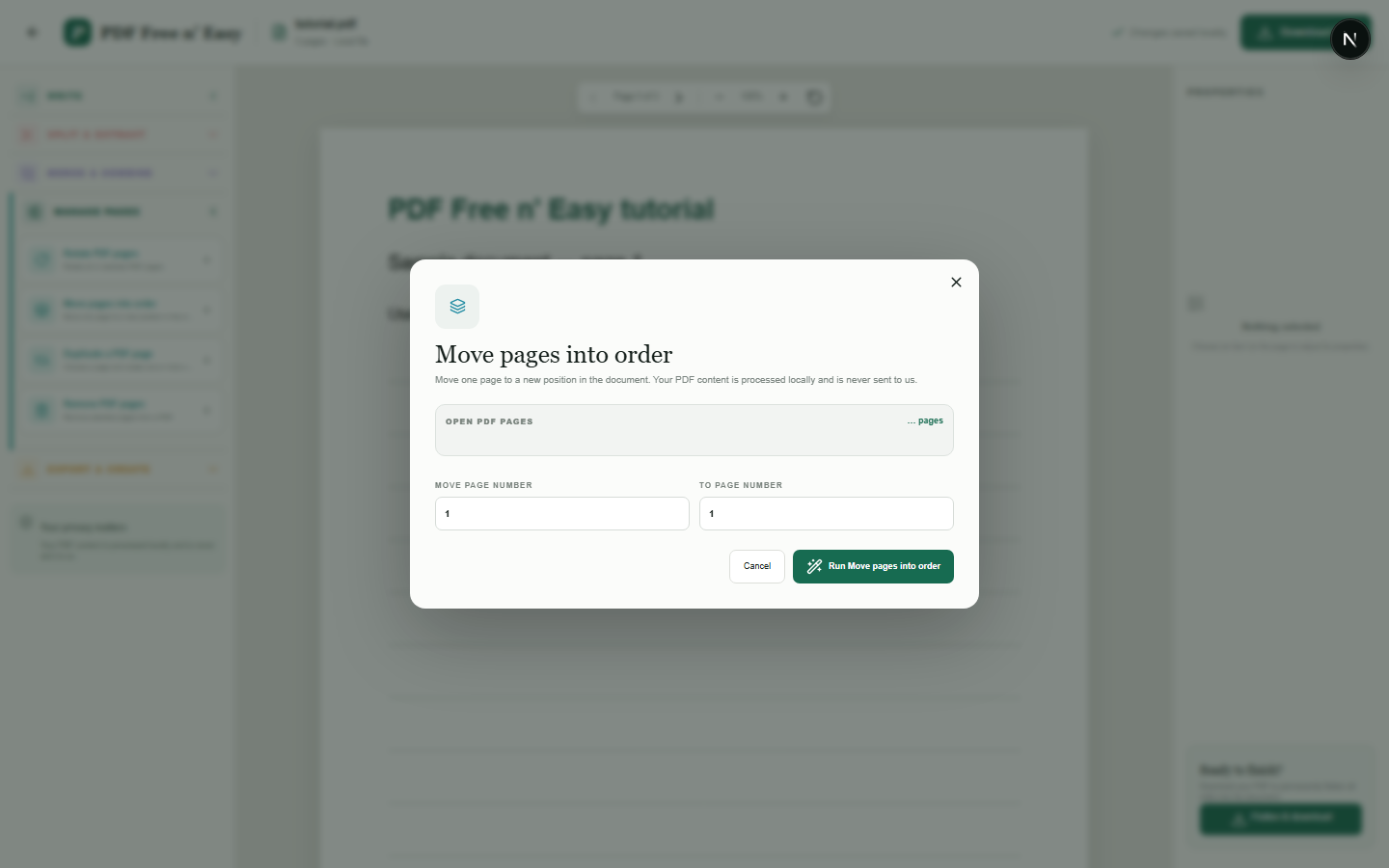
Enter the page to move and its destination. Other pages shift around it while their content remains unchanged.
Finish the job on your device
- 1
Open the PDF.
- 2
Choose the page to move and its destination page number.
- 3
Apply the change and download the reordered copy.
WHAT TO KNOW
Clear expectations before you begin
- Page numbers are validated against the current document.
- Your PDF content is processed locally in your browser and is never sent to us.
PRIVACY BY DESIGN
Your document stays yours
The editor reads and processes the PDF using code running in your browser. PDF content is not submitted to an application server for processing or storage.
LOCAL PROCESSING FOR THIS TASK
Rearrange pages where the file is opened
Dragging page thumbnails changes the order used by the local exporter, which builds a separate reordered PDF.
- 1SelectChoose a PDF directly from your device.
- 2ProcessThe supported operation runs in this browser tab.
- 3DownloadSave the newly generated result where you choose.
Move a PDF page to a new position FAQ
What happens to pages between the two positions?
They shift by one place to accommodate the moved page.
Can I preview the pages?
Yes. The page-management dialog displays page thumbnails from the open PDF.