Edit and sign
Add text, visual signatures, highlights, notes, shapes and freehand marks, then flatten them into a downloadable copy.
Useful. Fast. Local. Free.
Edit, sign, organise and convert everyday documents and images with 37 clearly described actions running in your browser.
37 FREE PDF AND IMAGE ACTIONS
Use 37 distinct PDF and image actions without creating a HandyGrid account or paying to unlock the workflow. Each action is counted independently, including every writing, markup and export option.
Add text, visual signatures, highlights, notes, shapes and freehand marks, then flatten them into a downloadable copy.
Merge documents or split, extract, reorder, rotate and remove pages using processing performed in your browser.
Create supported document, spreadsheet, presentation and image outputs with their limitations explained before you begin.
CHOOSE A TASK
Open a permanent tool page for instructions, FAQs and its interactive workflow.
Add visible content and annotations while keeping the document on your device.
Combine, divide, reorder, rotate, extract or remove pages locally.
Create useful local exports with clear explanations of format limitations.
LEARN THE WORKFLOW
Illustrated guides explain what each tool changes and what the downloaded result contains.
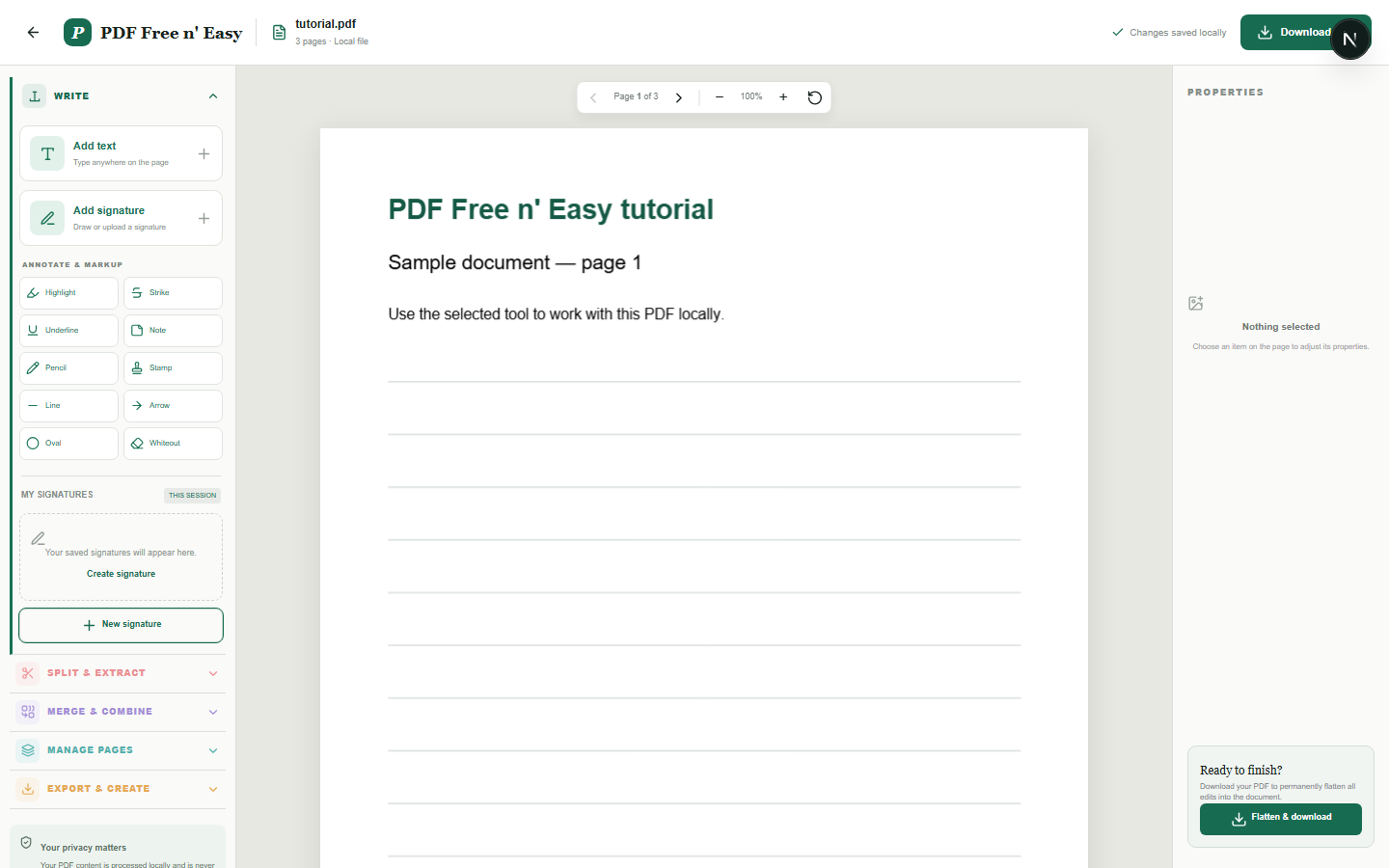
LOCAL PDF EDITOR
This editor places new content over the original PDF and flattens those additions into the downloaded copy. It does not rewrite existing text already embedded in the PDF.
Read tutorial and open tool →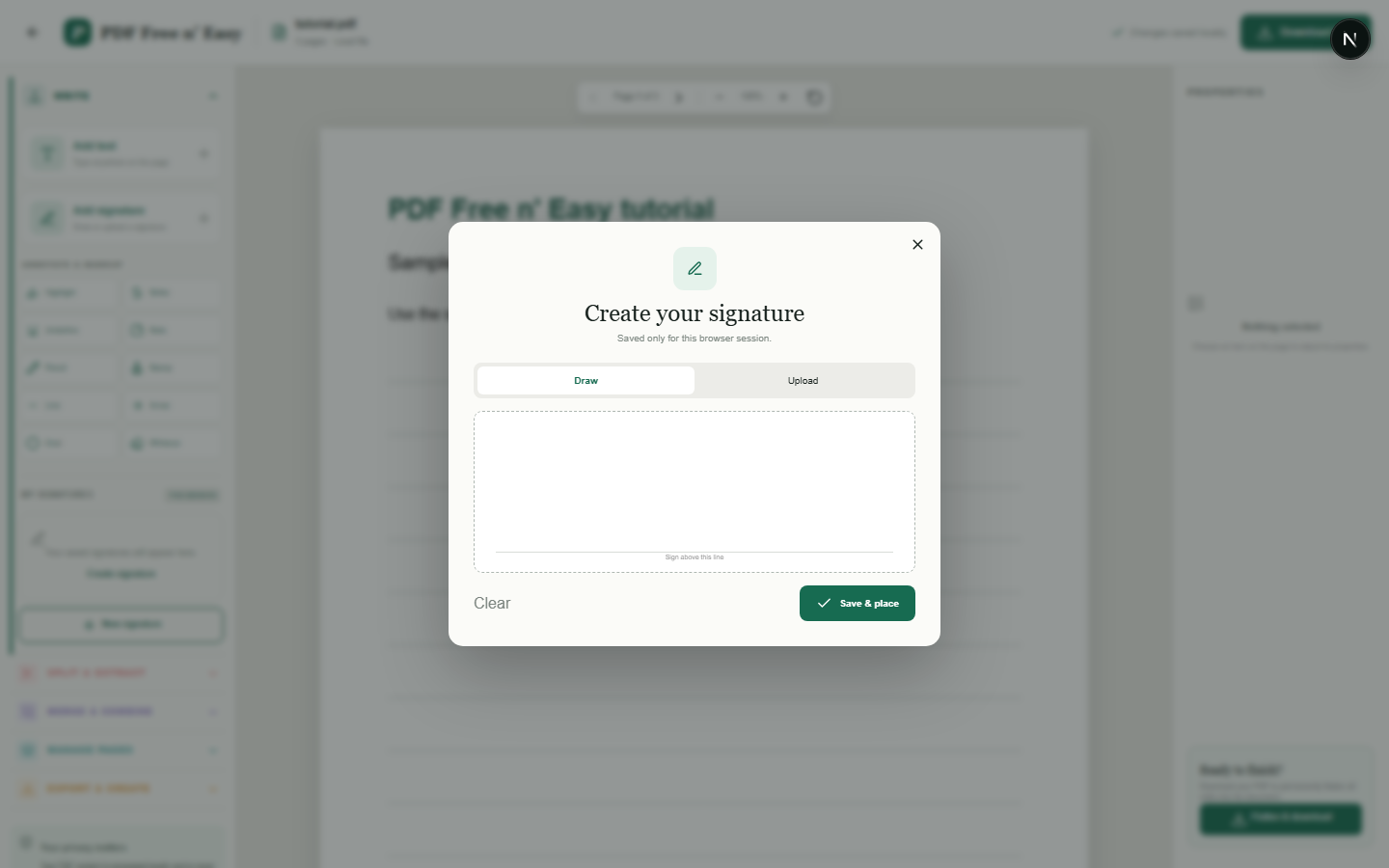
LOCAL PDF SIGNING
Signatures are kept in browser session storage so they can be reused on multiple pages during the same tab session. This is a visual signature tool, not a certificate-based digital-signature service.
Read tutorial and open tool →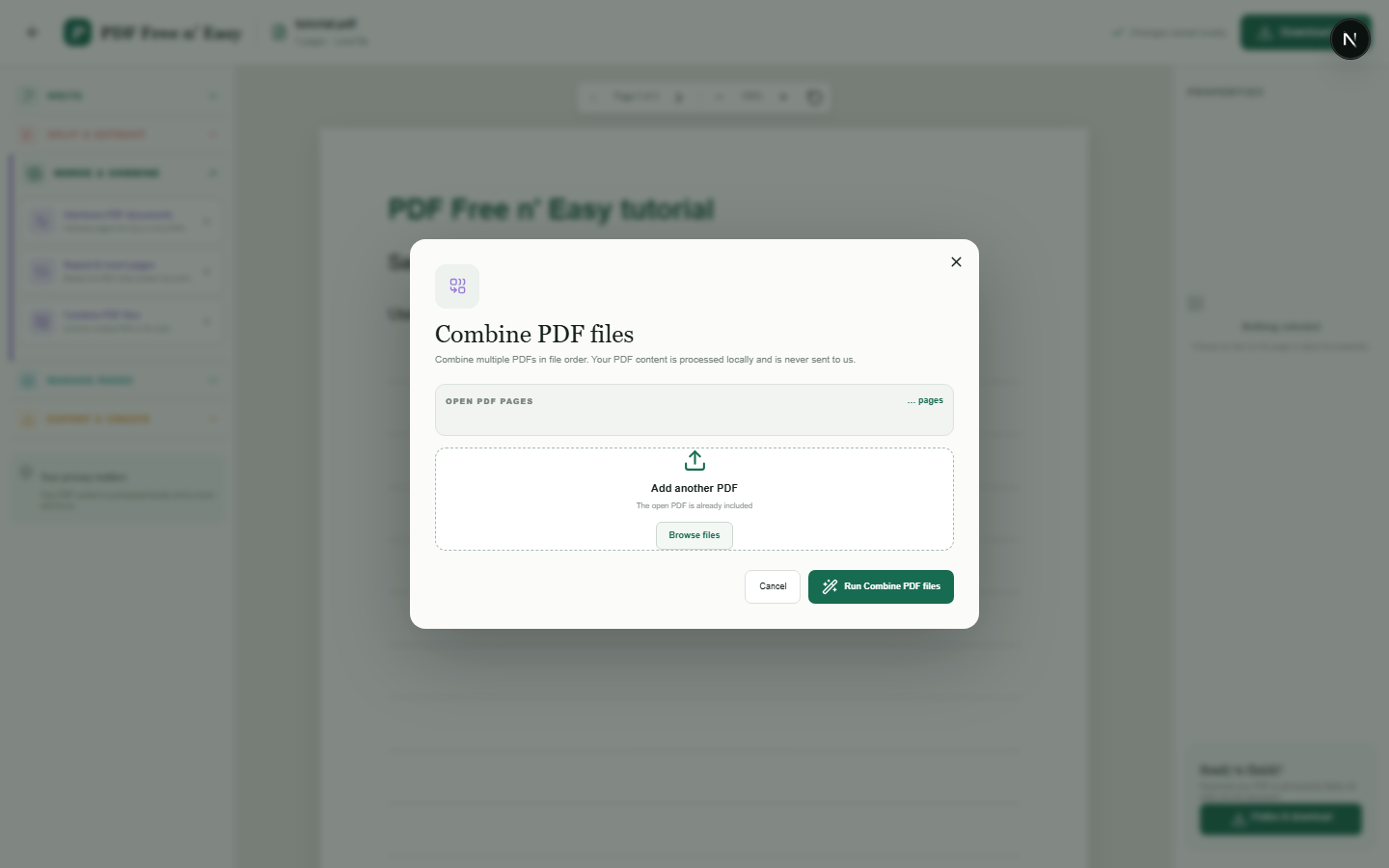
PRIVATE PDF MERGER
Merging copies complete pages from each selected document into a new PDF. The source files remain unchanged on your device.
Read tutorial and open tool →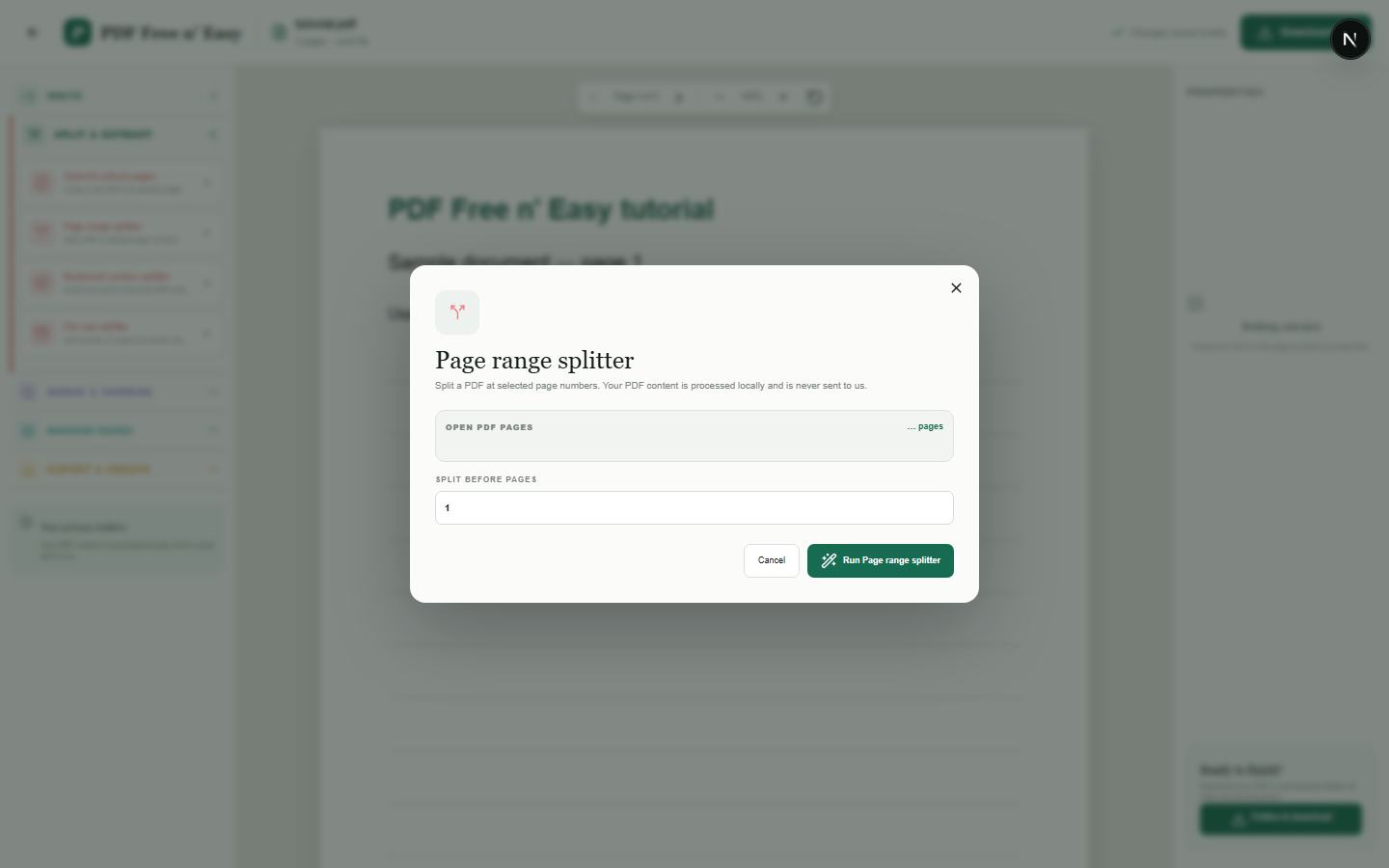
LOCAL PDF SPLITTER
The split produces separate downloadable PDFs from the pages before and after the selected boundary.
Read tutorial and open tool →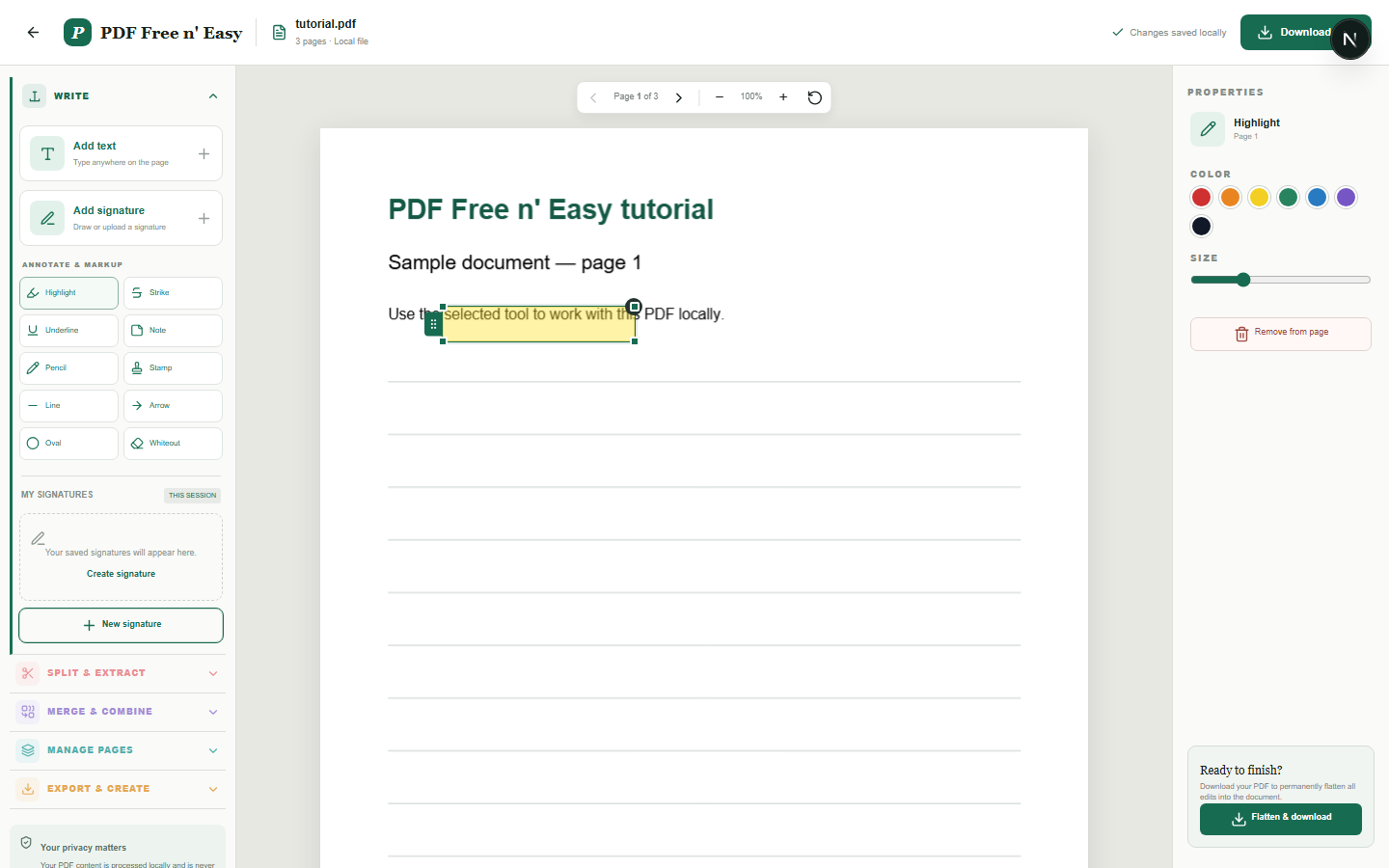
PDF ANNOTATION
Annotations are adjustable overlays while editing and are permanently drawn into the downloaded PDF when flattened.
Read tutorial and open tool →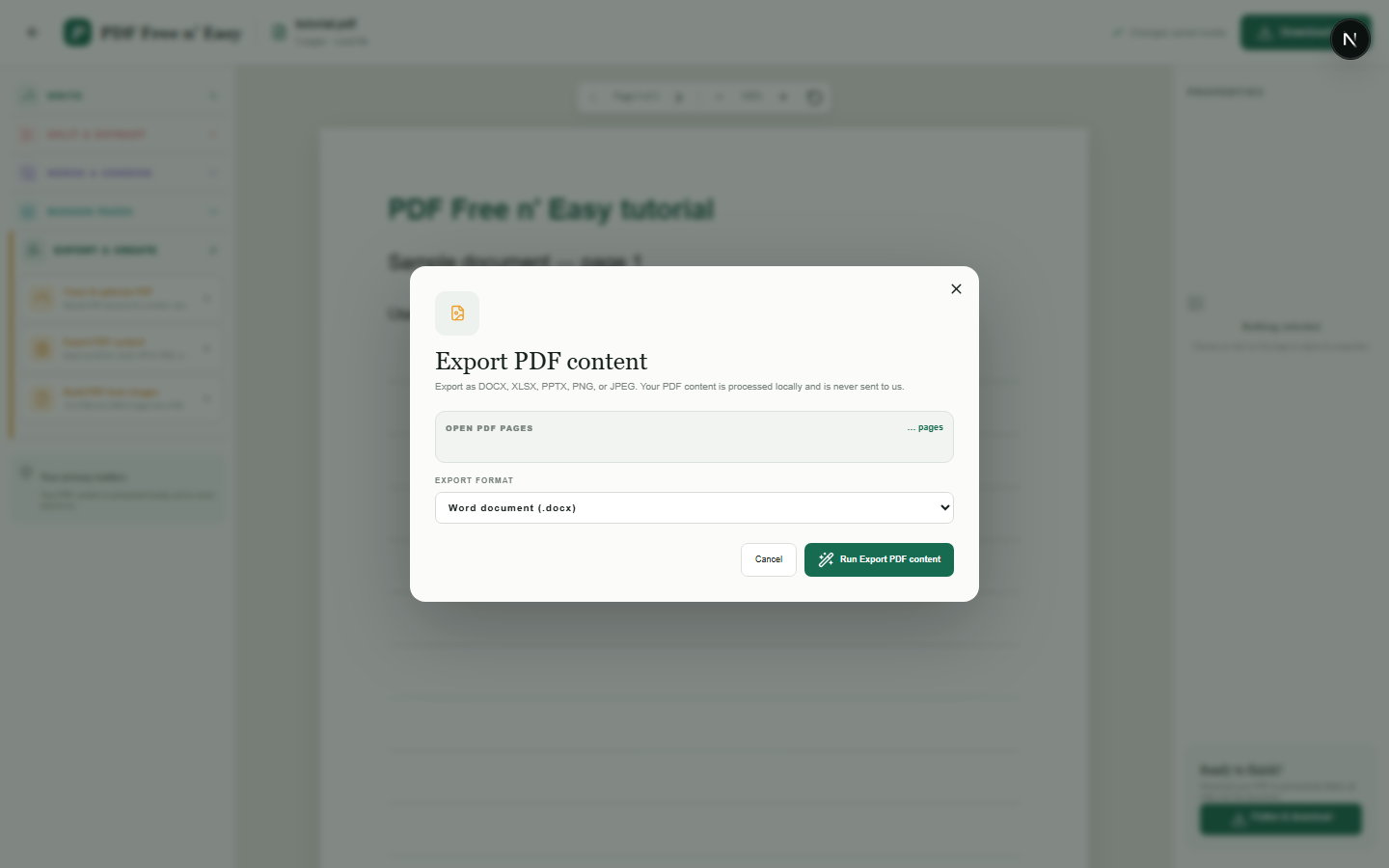
PDF TO DOCX
This conversion preserves the visible page layout by placing rendered page images into Word. It does not convert the PDF into fully editable Word paragraphs, tables or original fonts.
Read tutorial and open tool →WHY HANDYGRID IS DIFFERENT
Many online PDF services transfer documents to remote systems before returning a result. HandyGrid instead performs its supported PDF operations with code running in your browser. That reduces unnecessary document transfer and lets you start without registration.
The PDF tool does not intentionally submit your document contents to an application server for processing or storage.
We identify visual signatures, explain when exports preserve appearance rather than editable objects, and do not present whiteout as secure redaction.
There is no server upload allowance to buy, but large and complex PDFs can still be constrained by browser memory and performance.
All 37 current PDF and image actions are available without payment. Clearly labelled advertising may appear outside the document workspace and is managed through the site consent controls.
MORE THAN PDF
Continue with practical utilities across the same HandyGrid website. These tools are organised by task and designed to work without an account.
PDF PRIVACY QUESTIONS
No. Supported operations run in your browser, and the tool does not intentionally submit document contents to an application server for processing or storage.
No. Local describes where the operation runs. It does not encrypt an unencrypted source file or protect it from someone who can access your device.
There is no fixed server upload limit because there is no document upload. Large or complex files can still be limited by browser and device memory.
No. Some exports preserve page appearance rather than reconstructing editable text, tables or presentation objects. Each tool page explains its output.
PRIVACY BY DESIGN
Some conversions preserve visual appearance rather than recreating fully editable text, tables or presentation objects. Each page explains its exact output.
Read the privacy notice