HOW IT WORKS
Export PDF pages to PowerPoint slides
The output prioritizes visual consistency. Page elements are not reconstructed as individually editable PowerPoint shapes or text boxes.
Finish the job on your device
- 1
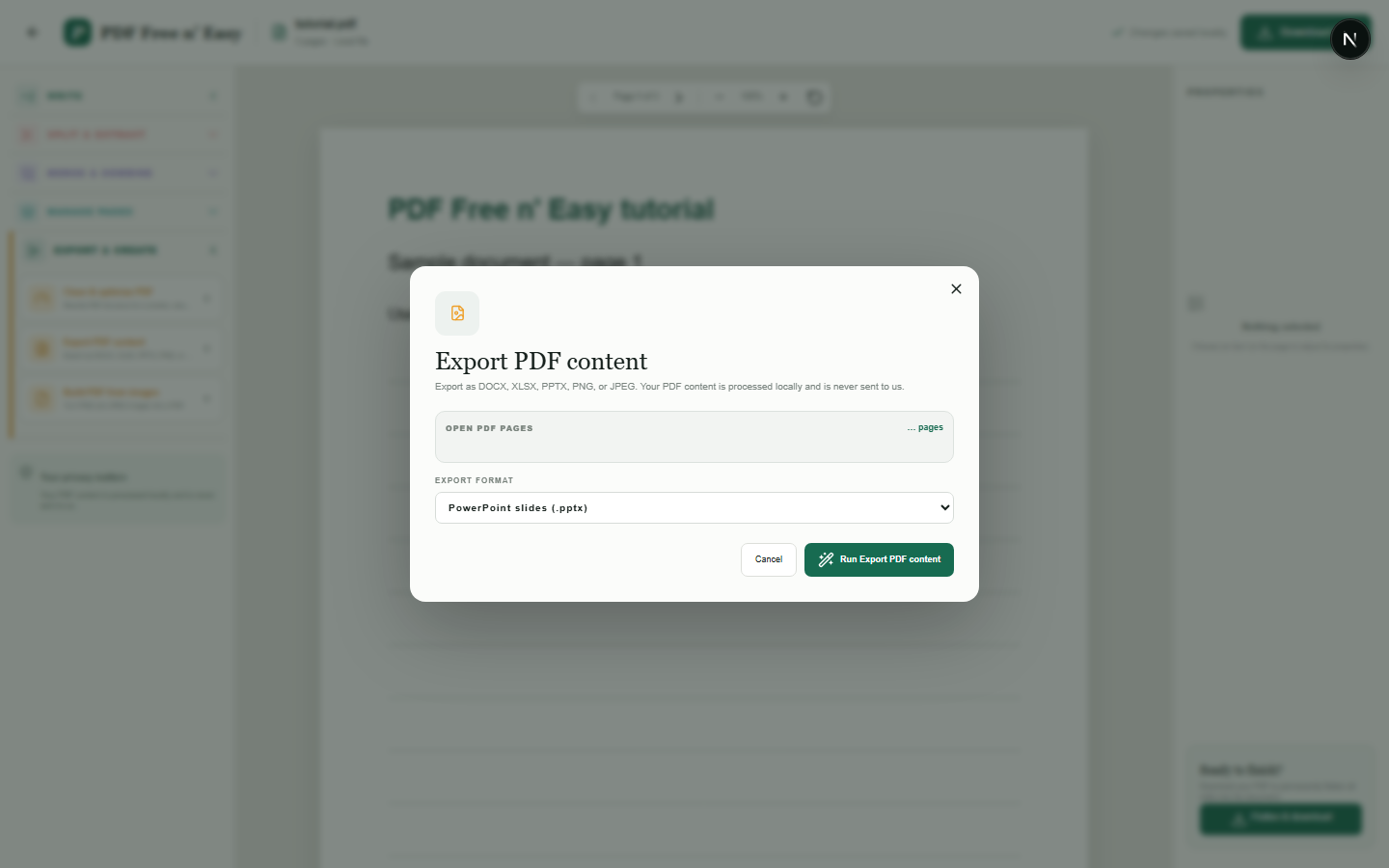
Open the PDF.
- 2
Choose PPTX under Export and create.
- 3
Download the presentation with one slide per page.
WHAT TO KNOW
Clear expectations before you begin
- Slide content is image-based rather than composed of editable source objects.
- Your PDF content is processed locally in your browser and is never sent to us.
PRIVACY BY DESIGN
Your document stays yours
The editor reads and processes the PDF using code running in your browser. PDF content is not submitted to an application server for processing or storage.
LOCAL PROCESSING FOR THIS TASK
Build the presentation in your browser
The browser prepares PowerPoint-compatible output. Visual appearance may be preserved without recreating editable slide objects.
- 1SelectChoose a PDF directly from your device.
- 2ProcessThe supported operation runs in this browser tab.
- 3DownloadSave the newly generated result where you choose.
Export PDF pages to PowerPoint slides FAQ
Can I edit the PDF text in PowerPoint?
Not as individual text boxes. Each page is rendered and placed as an image on its slide.
How are portrait pages placed?
They are scaled proportionally and centered within the widescreen slide.