HOW IT WORKS
Convert PDF pages to JPG images locally
Each selected PDF page is rasterized into an image. JPG is useful for sharing but does not retain selectable text or vector graphics.
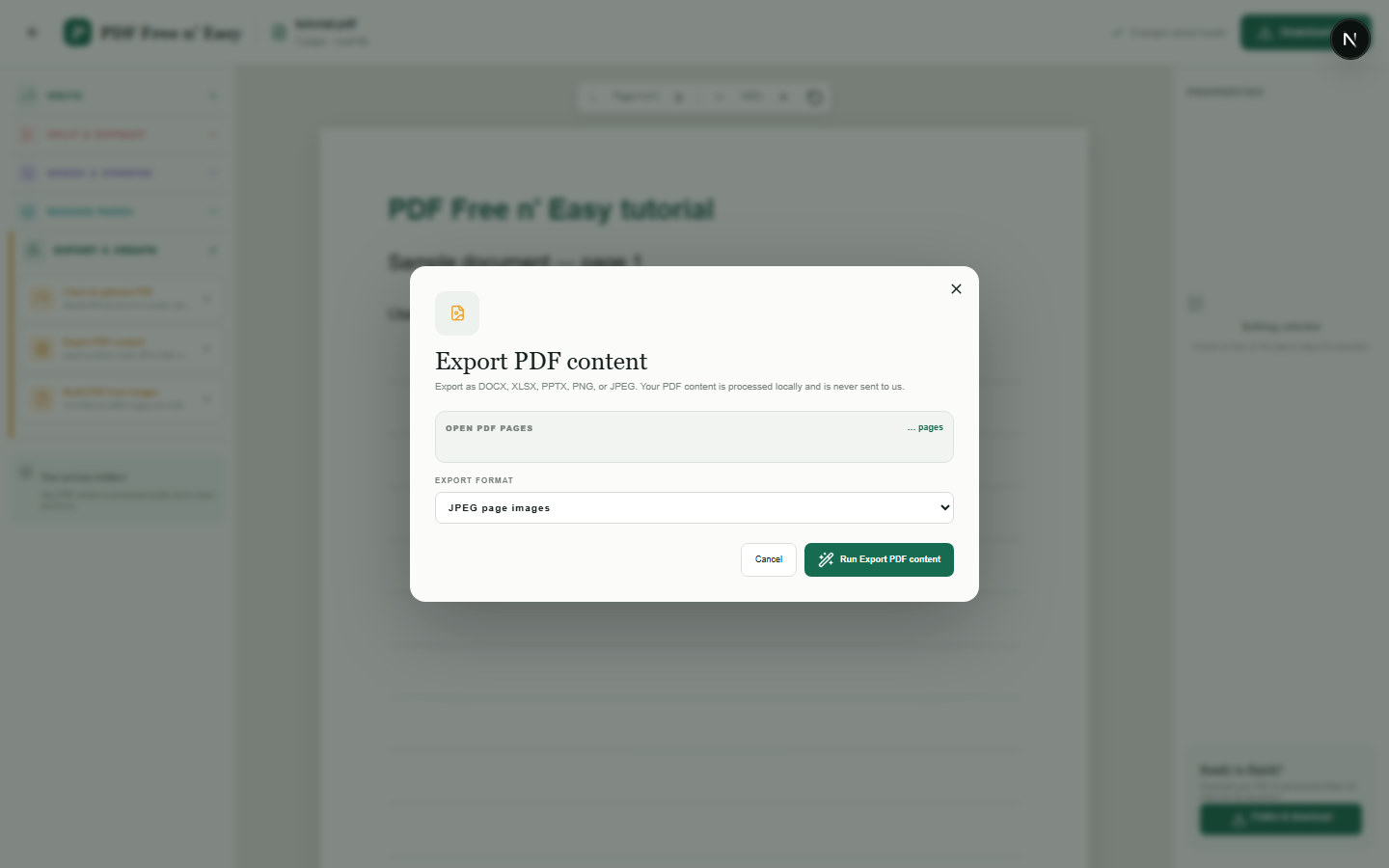
Finish the job on your device
- 1
Open the PDF.
- 2
Choose the image-export option under Export and create.
- 3
Download the rendered page images.
WHAT TO KNOW
Clear expectations before you begin
- Image output is rasterized and no longer contains selectable PDF text.
- Your PDF content is processed locally in your browser and is never sent to us.
PRIVACY BY DESIGN
Your document stays yours
The editor reads and processes the PDF using code running in your browser. PDF content is not submitted to an application server for processing or storage.
LOCAL PROCESSING FOR THIS TASK
Render PDF pages without an upload
Each selected page is drawn to an image by your browser and made available as a JPG download.
- 1SelectChoose a PDF directly from your device.
- 2ProcessThe supported operation runs in this browser tab.
- 3DownloadSave the newly generated result where you choose.
Convert PDF pages to JPG images locally FAQ
Will JPG preserve selectable text?
No. The entire page becomes pixels in an image.
Should I use JPG for documents with small text?
PNG may preserve sharp text edges better, while JPG generally produces smaller photographic images.