Export PDF pages to a Word document
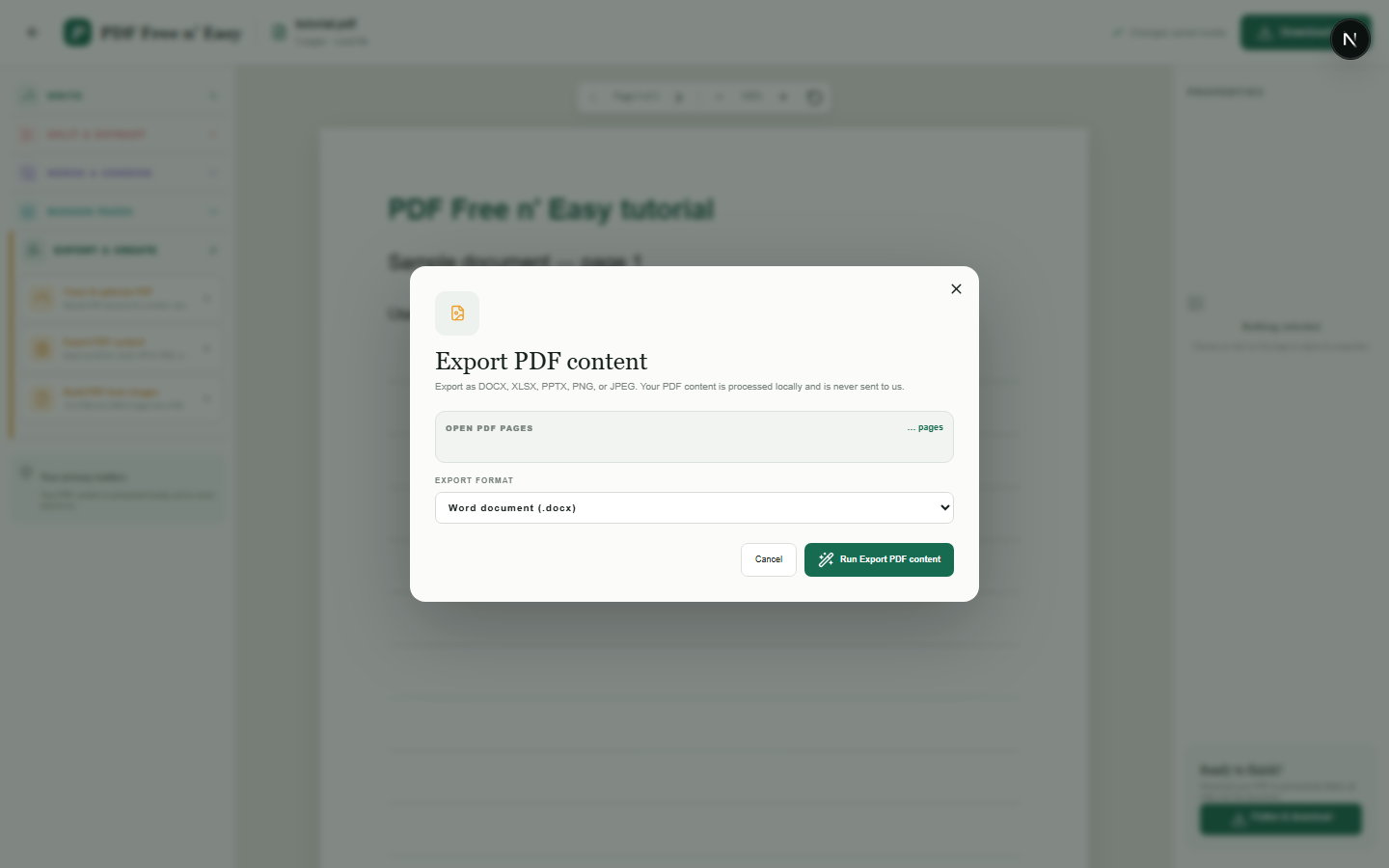
This conversion preserves the visible page layout by placing rendered page images into Word. It does not convert the PDF into fully editable Word paragraphs, tables or original fonts.
Finish the job on your device
- 1
Open the PDF.
- 2
Choose DOCX under Export and create.
- 3
Download the Word document containing the rendered pages.
Clear expectations before you begin
- The output is image-based and is not a fully editable reconstruction.
- Selectable PDF text is not rebuilt as Word paragraphs.
- Your PDF content is processed locally in your browser and is never sent to us.
Your document stays yours
The editor reads and processes the PDF using code running in your browser. PDF content is not submitted to an application server for processing or storage.
Create a Word-compatible result locally
HandyGrid reads the PDF in your browser and prepares the documented export without submitting the source file to an application server.
- 1SelectChoose a PDF directly from your device.
- 2ProcessThe supported operation runs in this browser tab.
- 3DownloadSave the newly generated result where you choose.
Export PDF pages to a Word document FAQ
Can I edit every sentence in Word?
No. Each page is inserted as an image to prioritize visual fidelity. Native editable-text conversion is not currently provided.
Does the DOCX preserve page appearance?
It is designed to preserve the visible appearance of each page, subject to normal rendering differences.