Bewerken en ondertekenen
Tekst, visuele handtekeningen, markeringen, notities, vormen en vrije handtekeningen toevoegen en deze vervolgens samenvoegen tot een downloadbare kopie.
Handig. Snel. Lokaal. Gratis.
Bewerk, onderteken, organiseer en converteer alledaagse documenten en afbeeldingen met 37 duidelijk beschreven acties die in uw browser worden uitgevoerd.
37 gratis PDF- en afbeeldingsacties
Gebruik 37 verschillende PDF- en afbeeldingsacties zonder een HandyGrid-account aan te maken of te betalen om de workflow te ontgrendelen. Elke actie wordt afzonderlijk geteld, inclusief elke schrijf-, markeer- en exportoptie.
Tekst, visuele handtekeningen, markeringen, notities, vormen en vrije handtekeningen toevoegen en deze vervolgens samenvoegen tot een downloadbare kopie.
Documenten samenvoegen of pagina's splitsen, extraheren, opnieuw ordenen, roteren en verwijderen met behulp van de verwerking die in uw browser wordt uitgevoerd.
Maak ondersteunde document-, spreadsheet-, presentatie- en afbeeldingsbestanden, waarbij de beperkingen worden uitgelegd voordat u begint.
KIES EEN TAAK
Open een permanente toolpagina voor instructies, veelgestelde vragen en de interactieve workflow.
Zichtbare inhoud en annotaties toevoegen terwijl het document op uw apparaat blijft staan.
Pagina's lokaal samenvoegen, splitsen, herschikken, roteren, extraheren of verwijderen.
Maak nuttige lokale exports aan met duidelijke uitleg over de beperkingen van de opmaak.
LEER DE WORKFLOW
Geïllustreerde handleidingen leggen uit wat elke tool verandert en wat het gedownloade resultaat bevat.
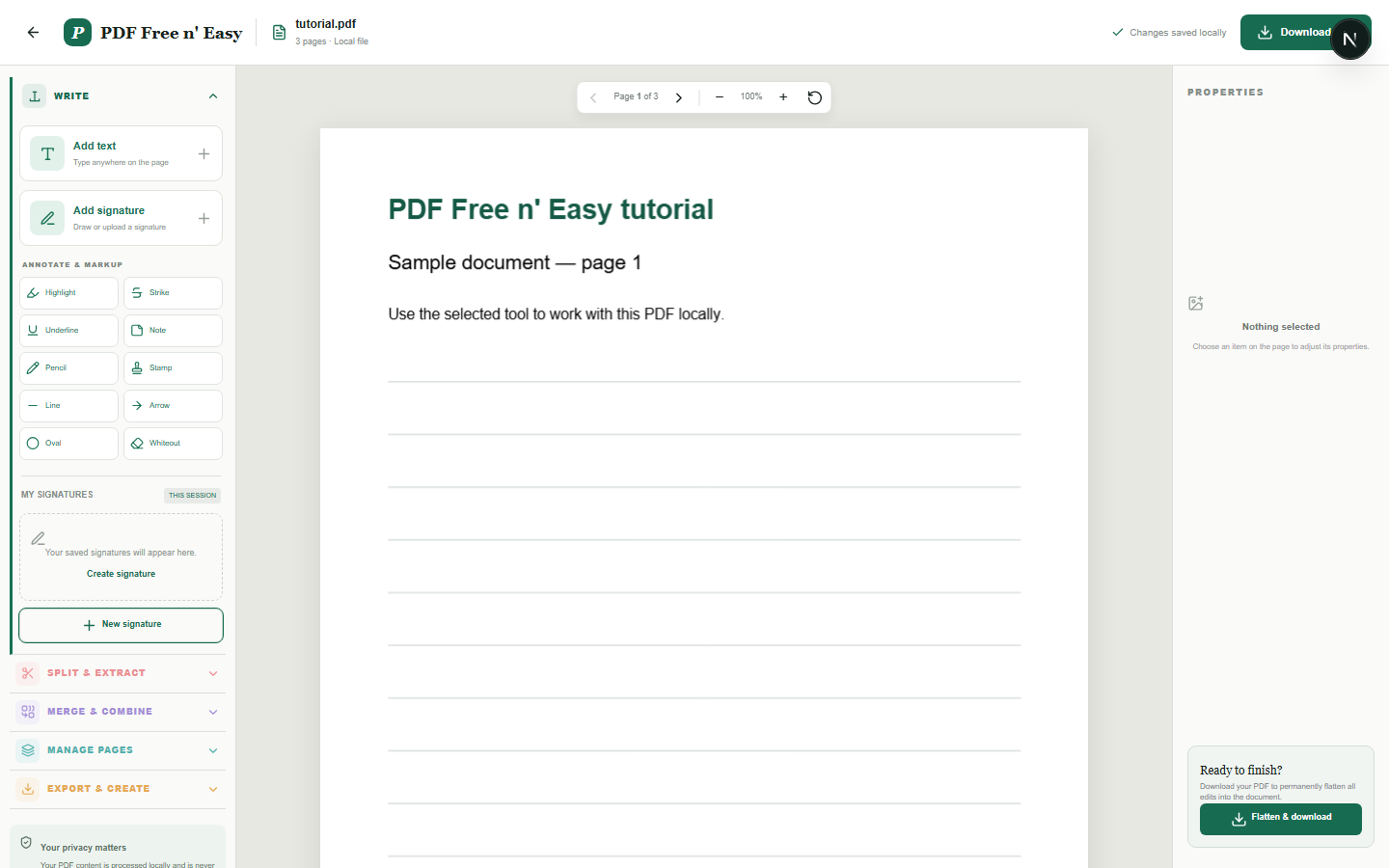
LOKALE PDF-EDITOR
Deze editor plaatst nieuwe inhoud over de originele PDF en voegt deze toevoegingen samen in de gedownloade kopie. Bestaande tekst die al in de PDF is ingesloten, wordt niet herschreven.
Lees de handleiding en open de tool →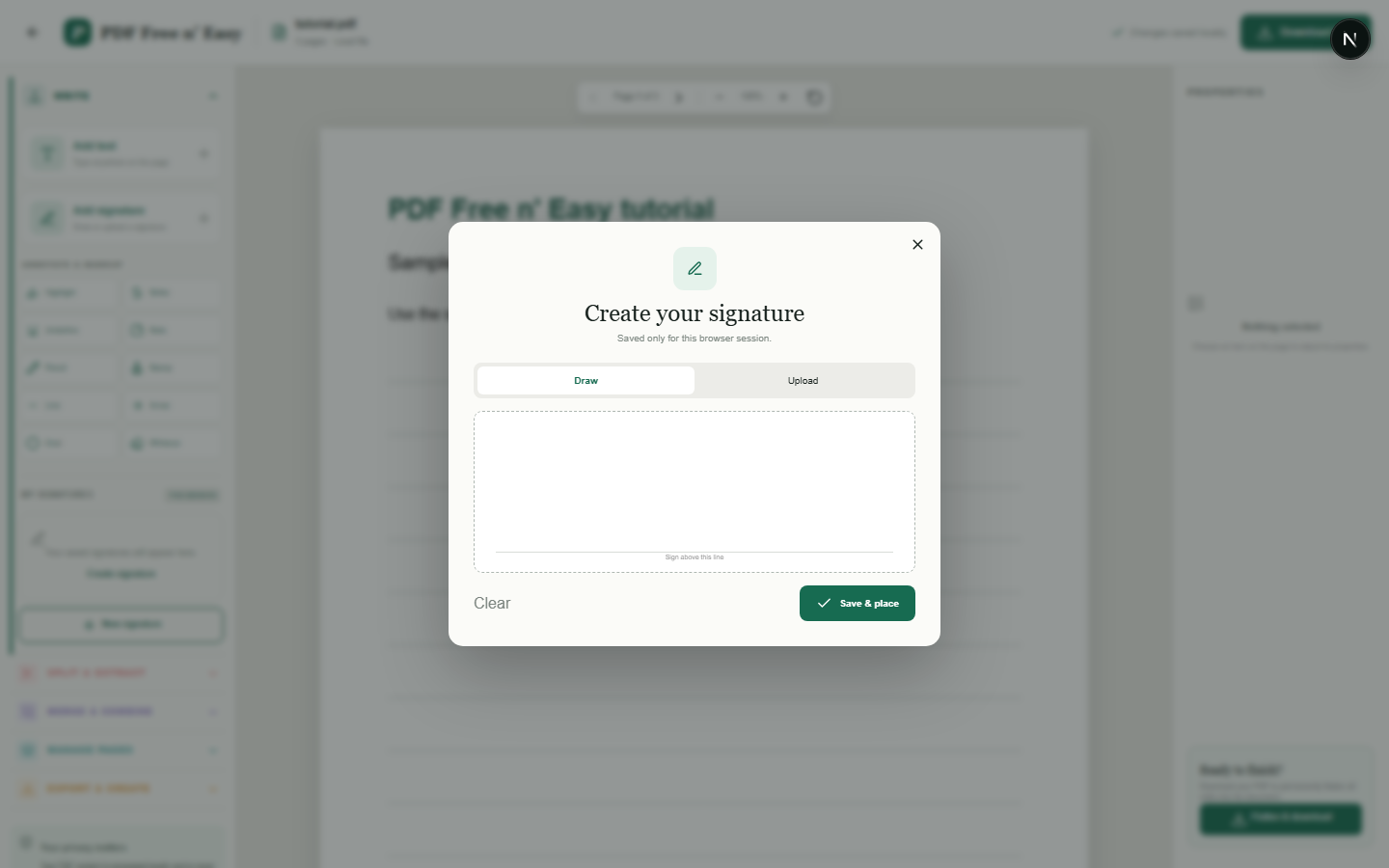
LOKALE PDF-ONDERTEKENING
Handtekeningen worden opgeslagen in de browsersessie, zodat ze op meerdere pagina's tijdens dezelfde tabsessie kunnen worden hergebruikt. Dit is een visuele handtekeningtool, geen certificaatgebaseerde digitale handtekeningservice.
Lees de handleiding en open de tool →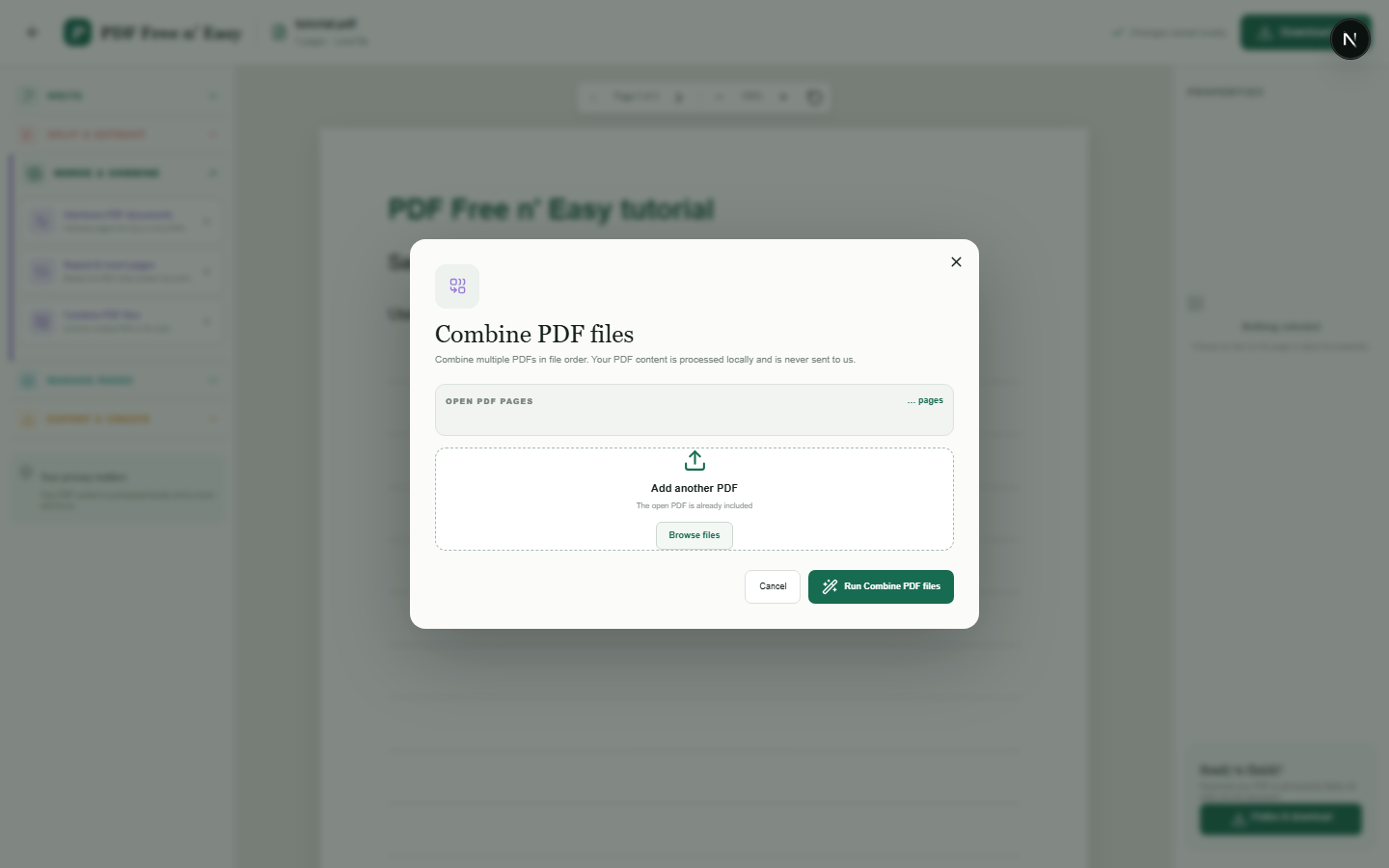
PRIVÉ PDF-SAMENVOEGING
Bij het samenvoegen worden volledige pagina's van elk geselecteerd document samengevoegd tot een nieuwe PDF. De bronbestanden blijven ongewijzigd op uw apparaat.
Lees de handleiding en open de tool →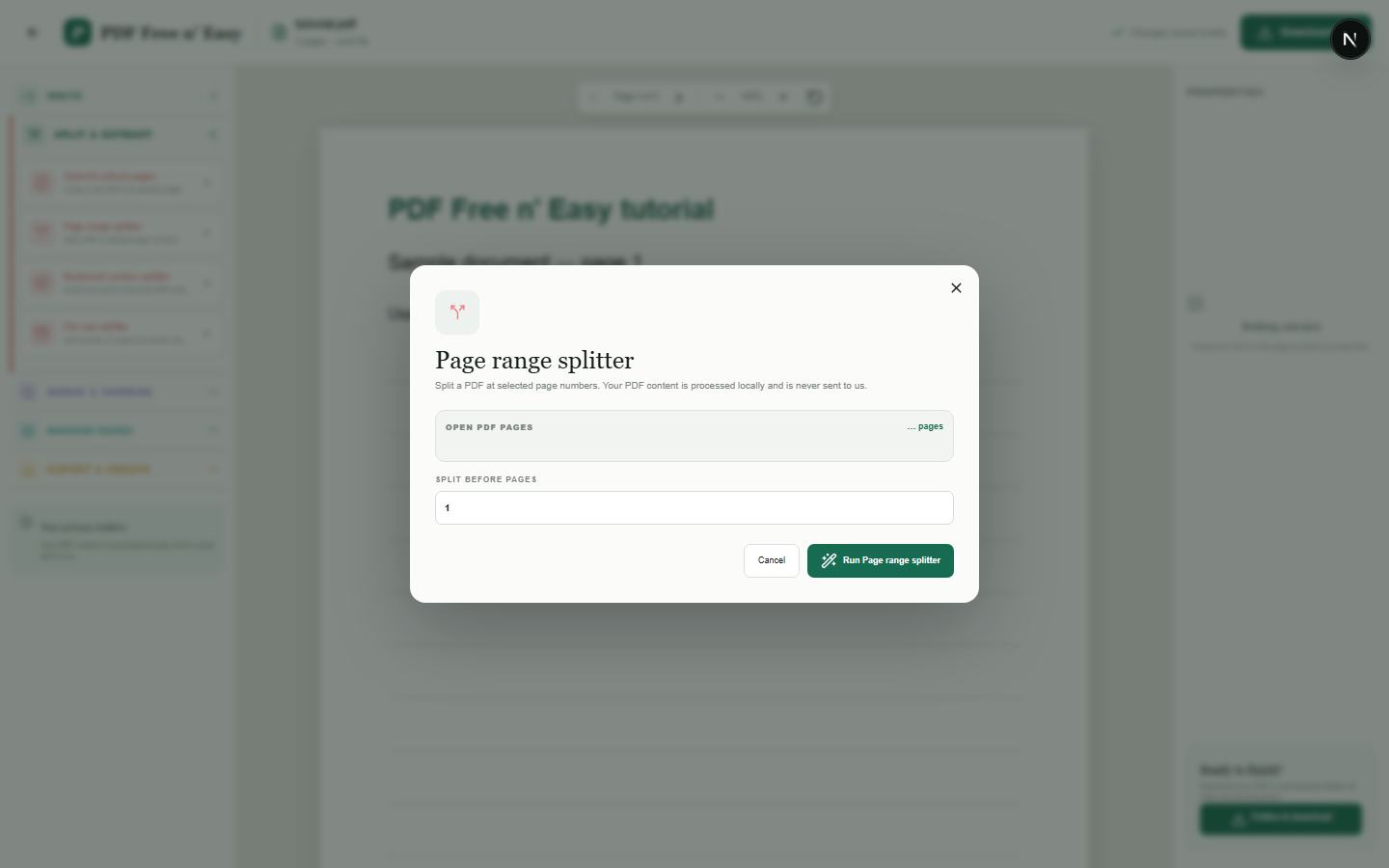
LOKALE PDF-SPLITTER
De splitsing genereert afzonderlijke downloadbare PDF's van de pagina's vóór en na de geselecteerde grens.
Lees de handleiding en open de tool →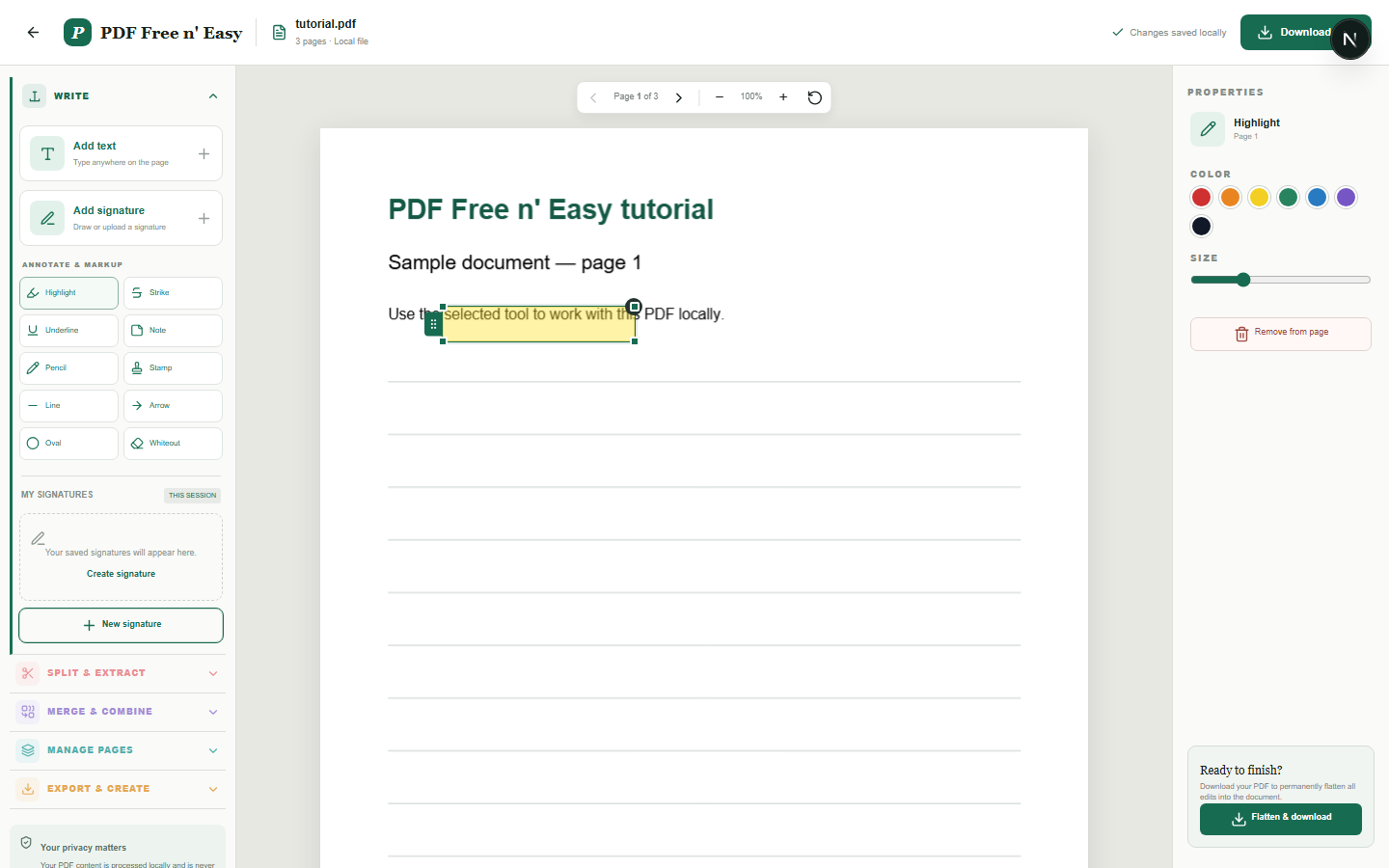
PDF-annotatie
Annotaties zijn aanpasbare overlays tijdens het bewerken en worden permanent in de gedownloade PDF getekend wanneer deze wordt platgemaakt.
Lees de handleiding en open de tool →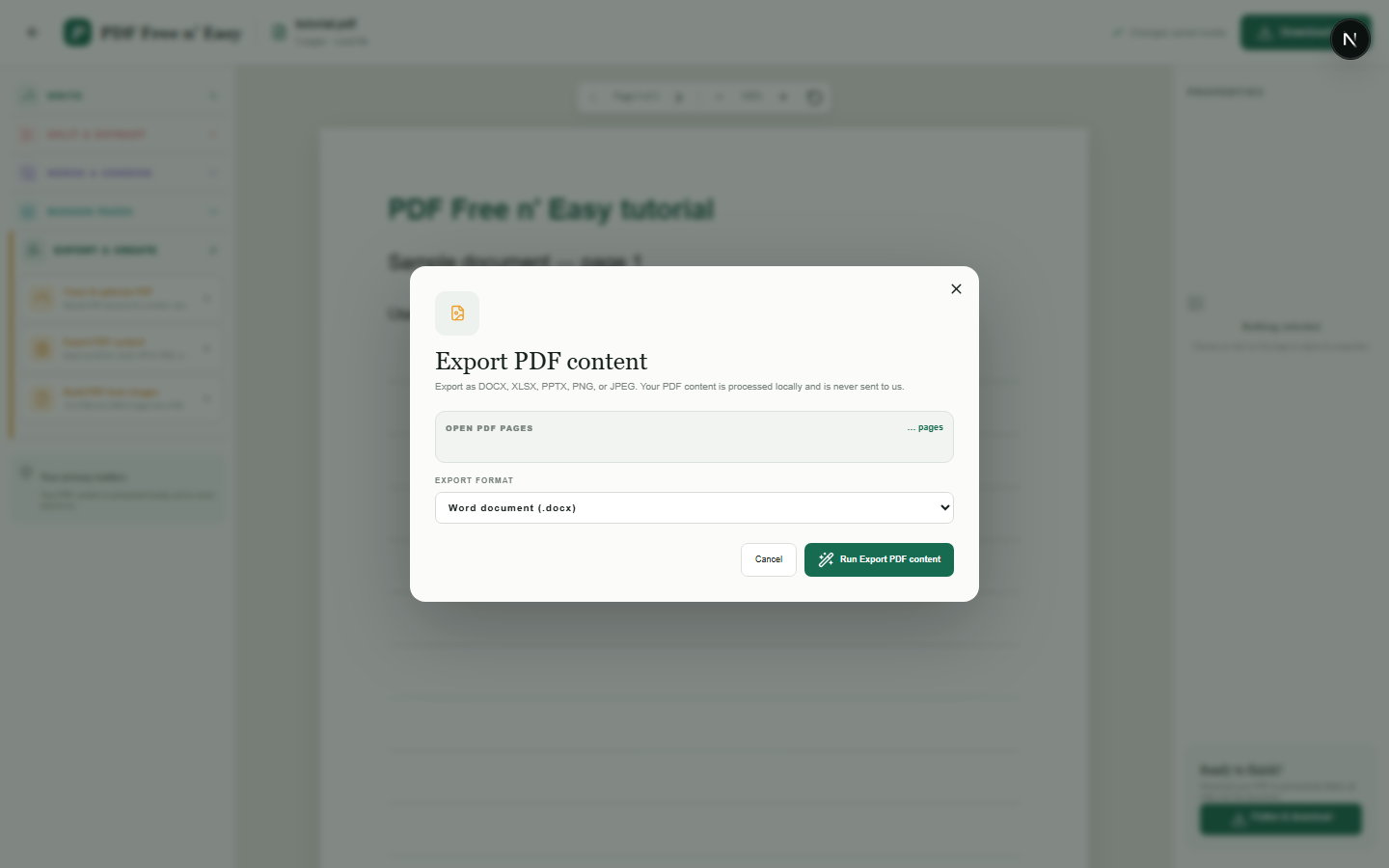
PDF naar DOCX
Deze conversie behoudt de zichtbare pagina-indeling door weergegeven pagina-afbeeldingen in Word te plaatsen. De PDF wordt niet geconverteerd naar volledig bewerkbare Word-alinea's, tabellen of originele lettertypen.
Lees de handleiding en open de tool →WAAROM HANDYGRID ANDERS IS
Veel online PDF-services verzenden documenten naar externe systemen voordat ze een resultaat retourneren. HandyGrid voert de ondersteunde PDF-bewerkingen daarentegen uit met code die in uw browser draait. Dit vermindert onnodige documentoverdracht en stelt u in staat om te beginnen zonder registratie.
De PDF-tool verzendt de inhoud van uw document niet opzettelijk naar een applicatieserver voor verwerking of opslag.
We identificeren visuele kenmerken, leggen uit wanneer exporteren de weergave behoudt in plaats van bewerkbare objecten, en presenteren witmaken niet als veilige redactie.
Er is geen serveruploadlimiet te koop, maar grote en complexe PDF's kunnen nog steeds beperkt worden door het geheugen en de prestaties van de browser.
Alle 37 huidige PDF- en beeldacties zijn zonder betaling beschikbaar. Duidelijk gelabelde advertenties kunnen buiten de documentwerkruimte verschijnen en worden beheerd via de toestemmingscontroles op de site.
MEER DAN PDF
Ga verder met praktische hulpmiddelen op dezelfde HandyGrid-website. Deze tools zijn georganiseerd per taak en ontworpen om te werken zonder account.
PDF-privacyvragen
Nee. Ondersteunde bewerkingen worden in uw browser uitgevoerd en de tool verzendt de documentinhoud niet opzettelijk naar een applicatieserver voor verwerking of opslag.
Nee. Lokaal beschrijft waar de bewerking wordt uitgevoerd. Het versleutelt geen onversleuteld bronbestand en beschermt het ook niet tegen iemand die toegang heeft tot uw apparaat.
Er is geen vaste limiet voor serveruploads, omdat er geen documentuploads zijn. Grote of complexe bestanden kunnen nog steeds beperkt worden door het geheugen van de browser en het apparaat.
Nee. Sommige exports behouden de pagina-indeling in plaats van bewerkbare tekst, tabellen of presentatieobjecten te reconstrueren. Elke toolpagina legt de uitvoer uit.
PRIVACY BY DESIGN
Sommige conversies behouden de visuele weergave in plaats van volledig bewerkbare tekst, tabellen of presentatieobjecten opnieuw te creëren. Elke pagina legt de exacte uitvoer uit.
Lees de privacyverklaring