Merge PDF files locally
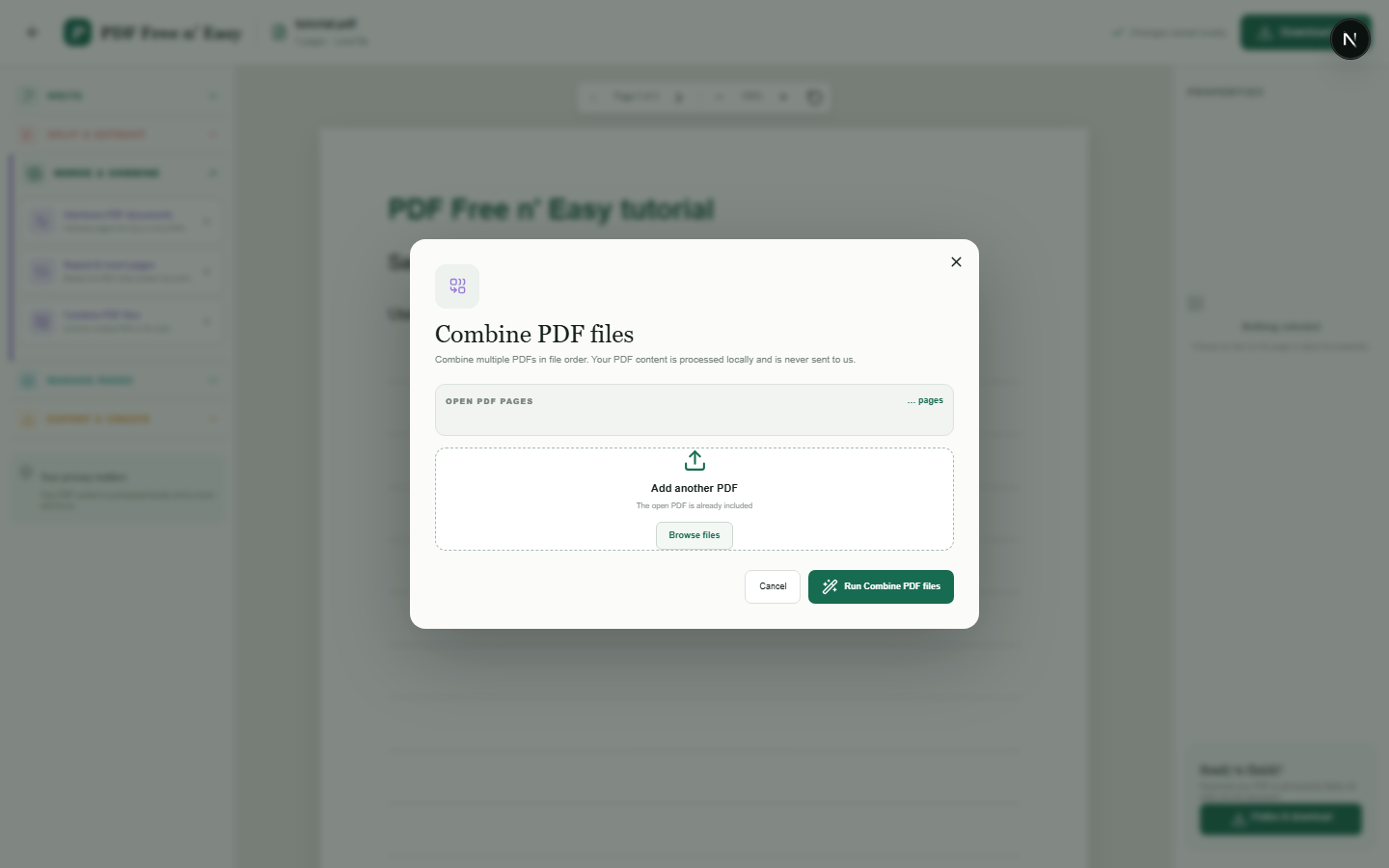
Merging copies complete pages from each selected document into a new PDF. The source files remain unchanged on your device.
Finish the job on your device
- 1
Open the first PDF.
- 2
Add the other PDF files in the required order.
- 3
Create and download the combined document.
Clear expectations before you begin
- Large merges depend on the memory available to your browser.
- Your PDF content is processed locally in your browser and is never sent to us.
Your document stays yours
The editor reads and processes the PDF using code running in your browser. PDF content is not submitted to an application server for processing or storage.
Combine documents in browser memory
Selected PDFs are read locally, their pages are copied into a new document and the merged result is generated by your browser.
- 1SelectChoose a PDF directly from your device.
- 2ProcessThe supported operation runs in this browser tab.
- 3DownloadSave the newly generated result where you choose.
Merge PDF files locally FAQ
How many PDFs can I merge?
The application does not impose a server limit, but very large files may be constrained by your device's available browser memory.
Are bookmarks preserved?
Page content is copied, but document-level structures such as complex bookmark trees may not always be preserved.