HOW IT WORKS
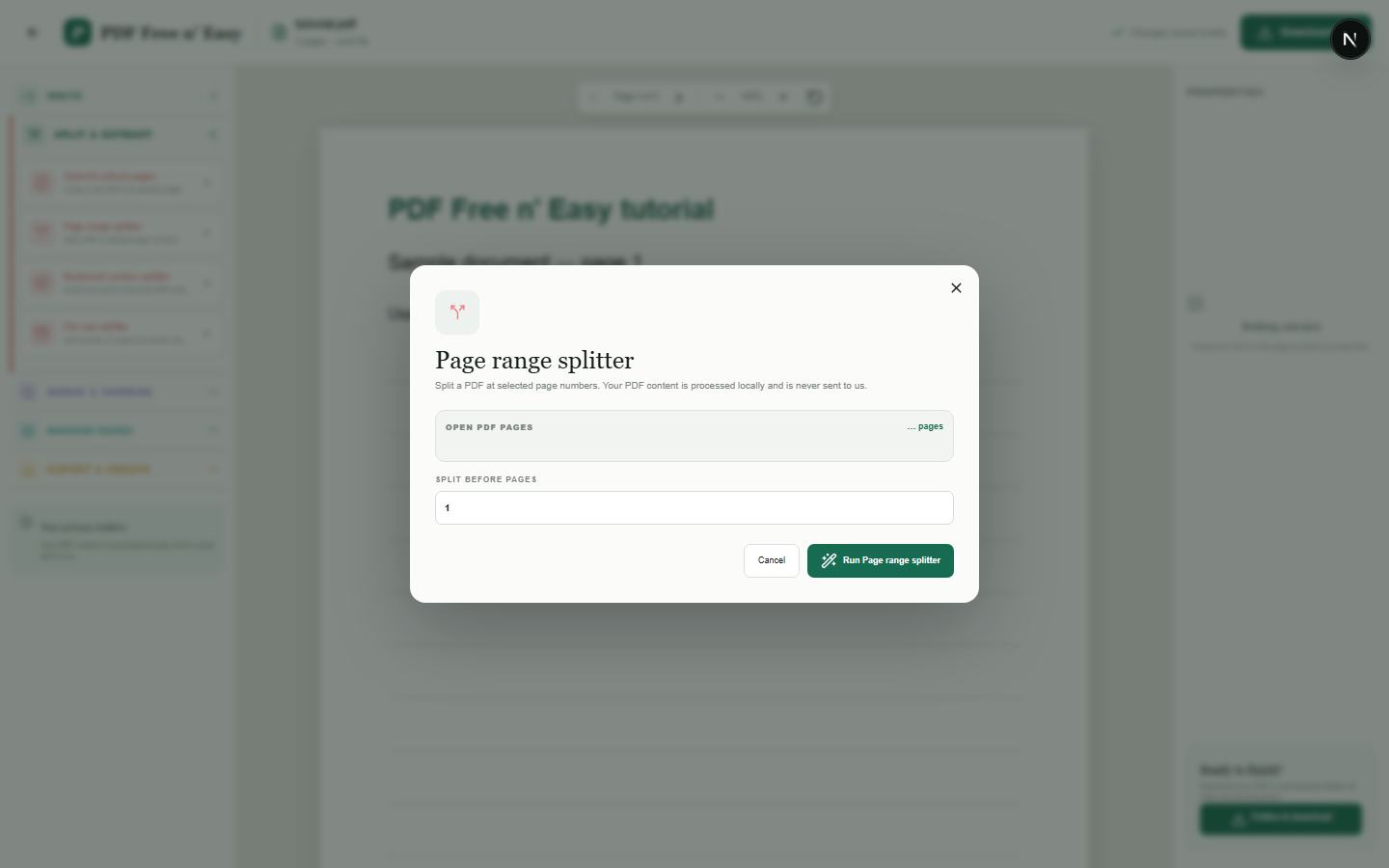
Split a PDF at a chosen page
The split produces separate downloadable PDFs from the pages before and after the selected boundary.
Finish the job on your device
- 1
Open the PDF to divide.
- 2
Enter the page where the second document should begin.
- 3
Download the resulting PDF files.
WHAT TO KNOW
Clear expectations before you begin
- The original PDF is never modified.
- Your PDF content is processed locally in your browser and is never sent to us.
PRIVACY BY DESIGN
Your document stays yours
The editor reads and processes the PDF using code running in your browser. PDF content is not submitted to an application server for processing or storage.
LOCAL PROCESSING FOR THIS TASK
Divide a PDF without a server round trip
Page ranges are extracted from the file already open in your browser and prepared locally as new PDFs.
- 1SelectChoose a PDF directly from your device.
- 2ProcessThe supported operation runs in this browser tab.
- 3DownloadSave the newly generated result where you choose.
Split a PDF at a chosen page FAQ
Does the split page go into the first or second file?
The dialog explains the boundary before processing so you can see where the second document begins.
Can I split by bookmarks?
Yes, use the bookmark-section splitter when the source PDF contains an outline with bookmark destinations.