HOW IT WORKS
Add text to a PDF online—without an upload
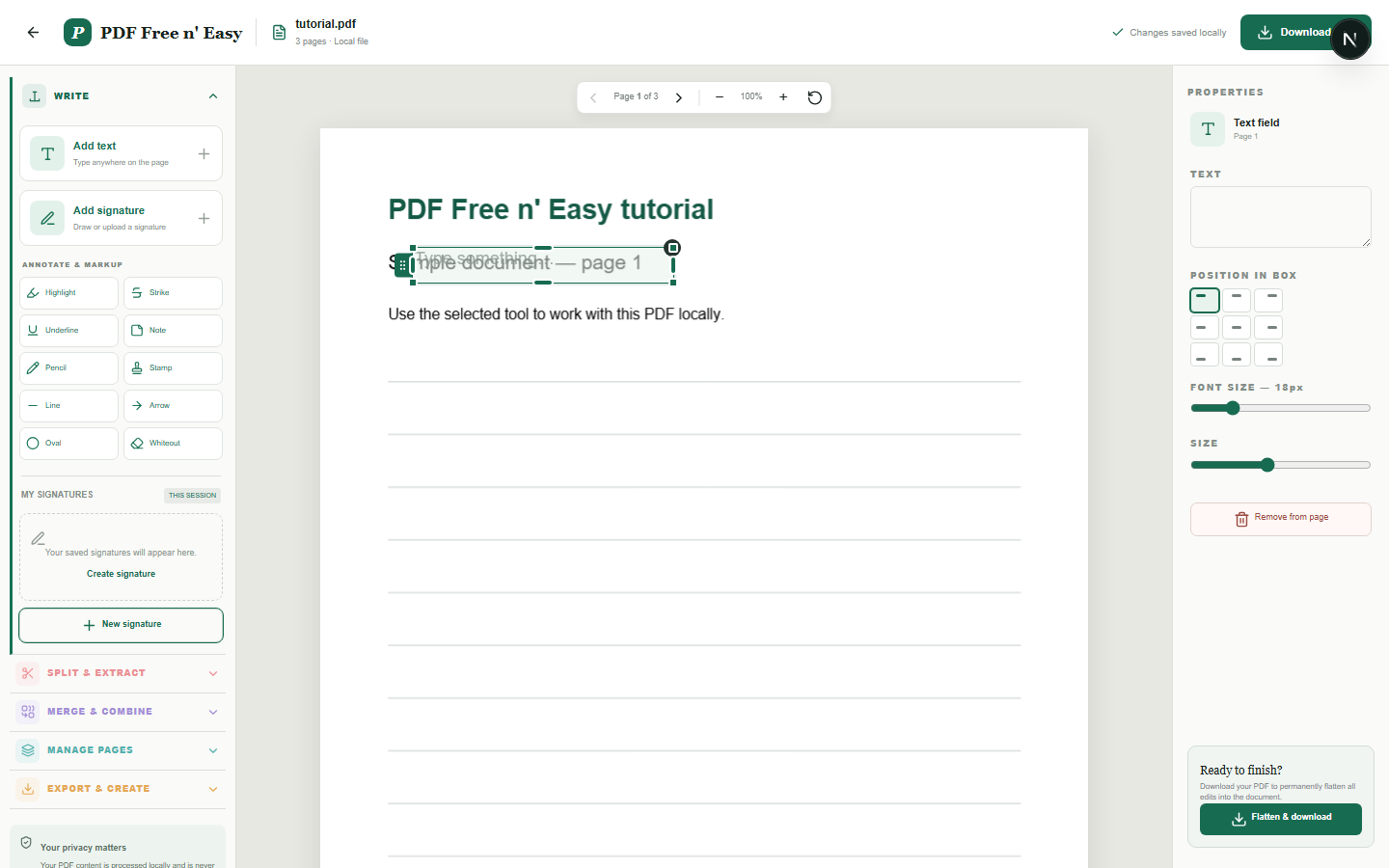
The tool adds new text over the PDF. Text wraps automatically inside the box and can be aligned horizontally and vertically before export.
Finish the job on your device
- 1
Choose a PDF from your device.
- 2
Type inside the text box and adjust its size and alignment.
- 3
Move the box into position and flatten the PDF.
WHAT TO KNOW
Clear expectations before you begin
- This adds new text; it does not identify and replace existing PDF text objects.
- Your PDF content is processed locally in your browser and is never sent to us.
PRIVACY BY DESIGN
Your document stays yours
The editor reads and processes the PDF using code running in your browser. PDF content is not submitted to an application server for processing or storage.
LOCAL PROCESSING FOR THIS TASK
Add text without handing over the document
Your browser renders the PDF, positions the text box and writes the addition into a separate downloadable copy.
- 1SelectChoose a PDF directly from your device.
- 2ProcessThe supported operation runs in this browser tab.
- 3DownloadSave the newly generated result where you choose.
Add text to a PDF online—without an upload FAQ
Will text wrap onto a new line?
Yes. Text automatically wraps when it reaches the right edge of its box.
Can text be aligned inside the box?
Yes. Choose left, center or right alignment and top, middle or bottom vertical placement.