HOW IT WORKS
本地旋转 PDF 页面
旋转操作会更新 PDF 页面的方向,而不是将页面栅格化为图像。
Finish the job on your device
- 1
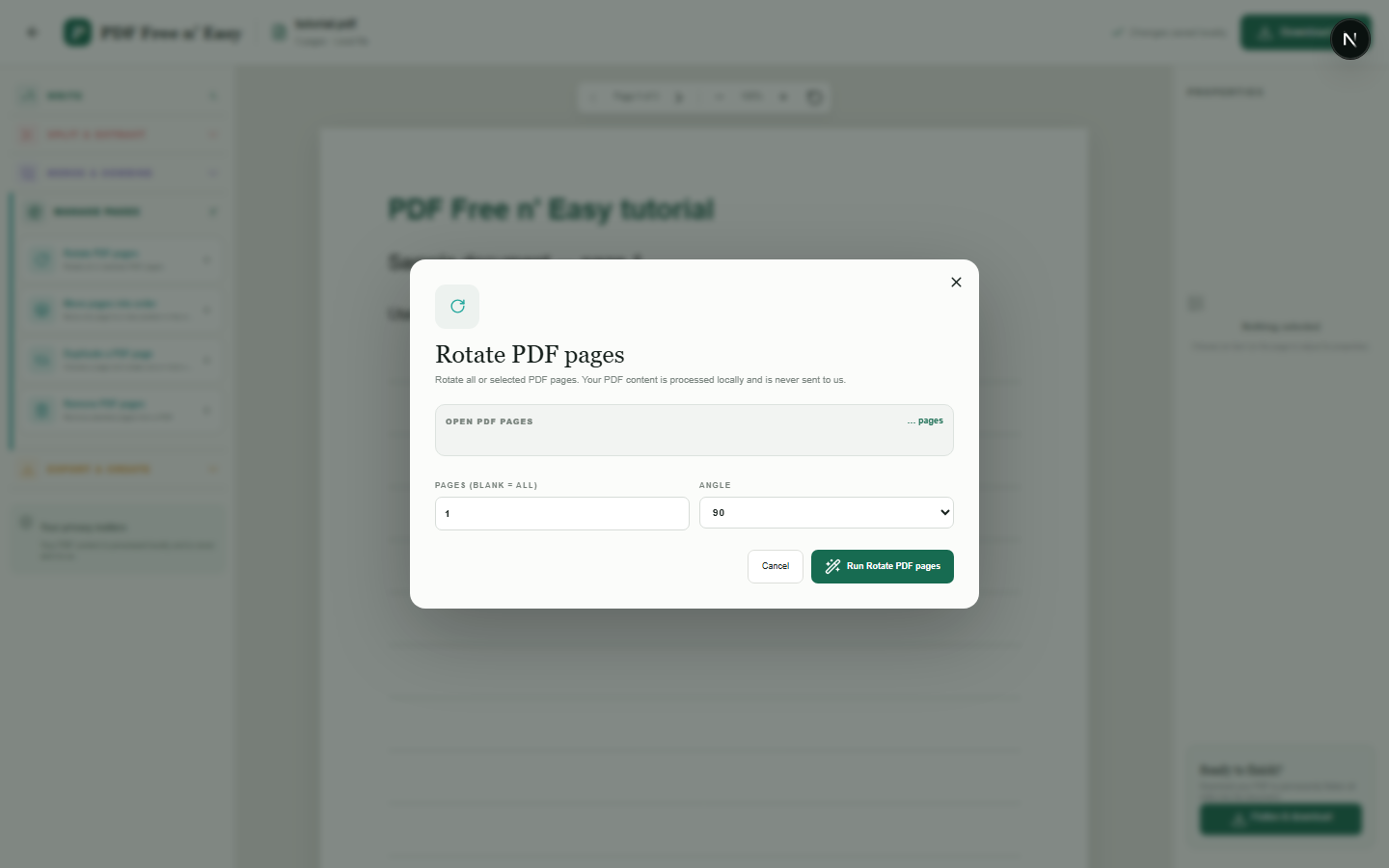
打开页面方向错误的 PDF 文件。
- 2
在“管理页面”中选择旋转选项。
- 3
应用旋转并下载新的 PDF。
WHAT TO KNOW
Clear expectations before you begin
- 如果源文件使用矢量图,则现有页面内容将保持为矢量图。
- 您的 PDF 内容在您的浏览器中本地处理,绝不会发送给我们。
PRIVACY BY DESIGN
Your document stays yours
The editor reads and processes the PDF using code running in your browser. PDF content is not submitted to an application server for processing or storage.
LOCAL PROCESSING FOR THIS TASK
Turn pages without transferring the PDF
Rotation choices are applied to a new copy in your browser while the source document remains on your device.
- 1SelectChoose a PDF directly from your device.
- 2ProcessThe supported operation runs in this browser tab.
- 3DownloadSave the newly generated result where you choose.
本地旋转 PDF 页面 FAQ
旋转图像会降低图像质量吗?
更新页面旋转无需额外图像重新压缩。
旋转后的页面还能添加注释吗?
是的。编辑器在展平页面时会将注释映射到可见的旋转页面。