HOW IT WORKS
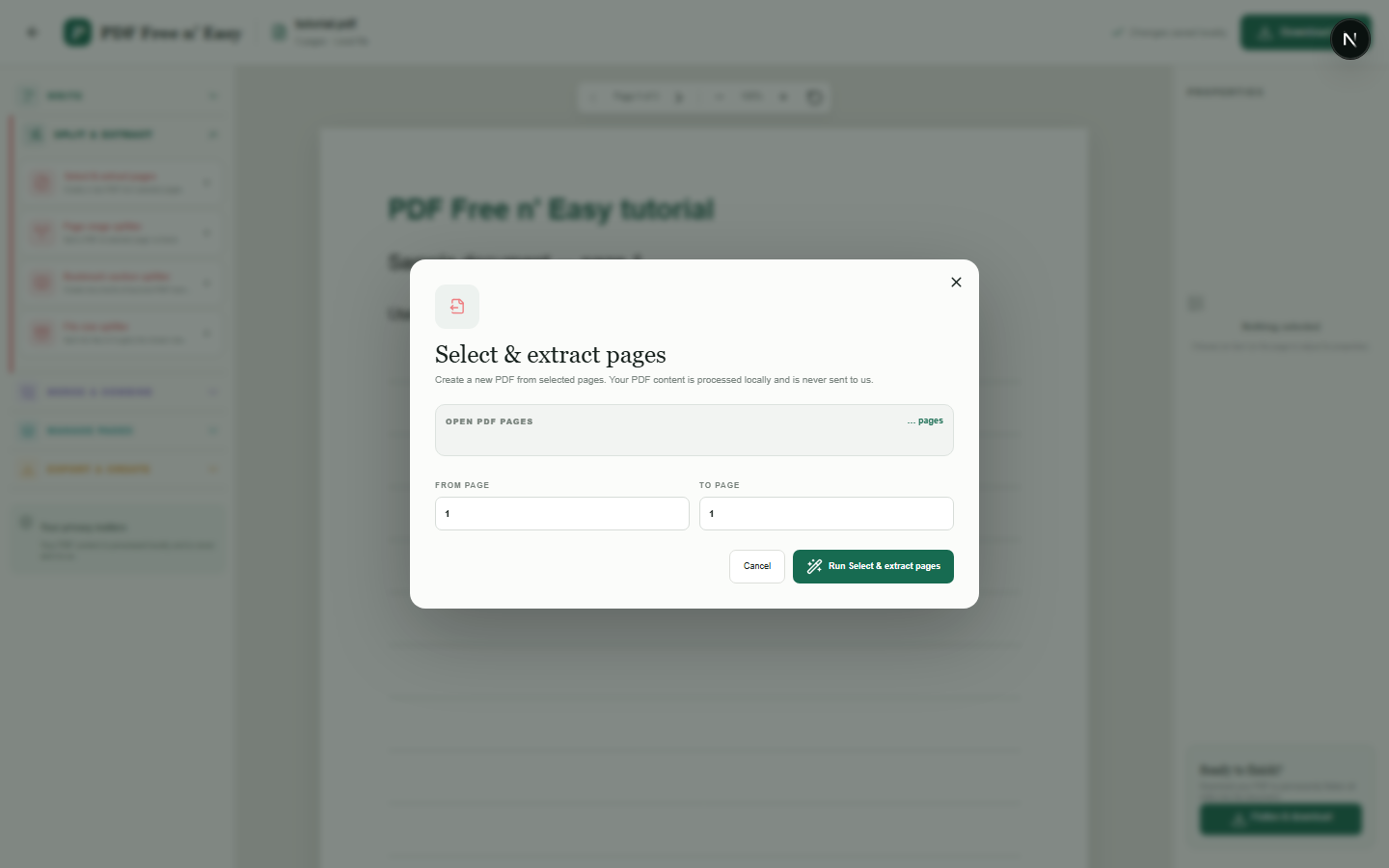
从 PDF 文件中提取选定页面
页面提取会将选定的包含范围复制到新文档中,而不会更改源 PDF。
Finish the job on your device
- 1
打开源 PDF 文件。
- 2
输入要包含的起始页和结束页。
- 3
预览范围并下载提取的 PDF 文件。
WHAT TO KNOW
Clear expectations before you begin
- 页面缩略图有助于确认所选范围。
- 您的 PDF 内容在您的浏览器中本地处理,绝不会发送给我们。
PRIVACY BY DESIGN
Your document stays yours
The editor reads and processes the PDF using code running in your browser. PDF content is not submitted to an application server for processing or storage.
LOCAL PROCESSING FOR THIS TASK
Take out only the pages you need
The chosen pages are copied into a new PDF inside your browser session. No document upload is required for the extraction.
- 1SelectChoose a PDF directly from your device.
- 2ProcessThe supported operation runs in this browser tab.
- 3DownloadSave the newly generated result where you choose.
从 PDF 文件中提取选定页面 FAQ
是否包含“起始”和“结束”页面?
是的。提取结果中包含两个边界页。
我可以提取单个页面吗?
是的。在两个字段中输入相同的页码。