HOW IT WORKS
将 PDF 页面导出到 PowerPoint 幻灯片
输出优先考虑视觉一致性。页面元素不会被重建为可单独编辑的 PowerPoint 形状或文本框。
Finish the job on your device
- 1
打开 PDF 文件。
- 2
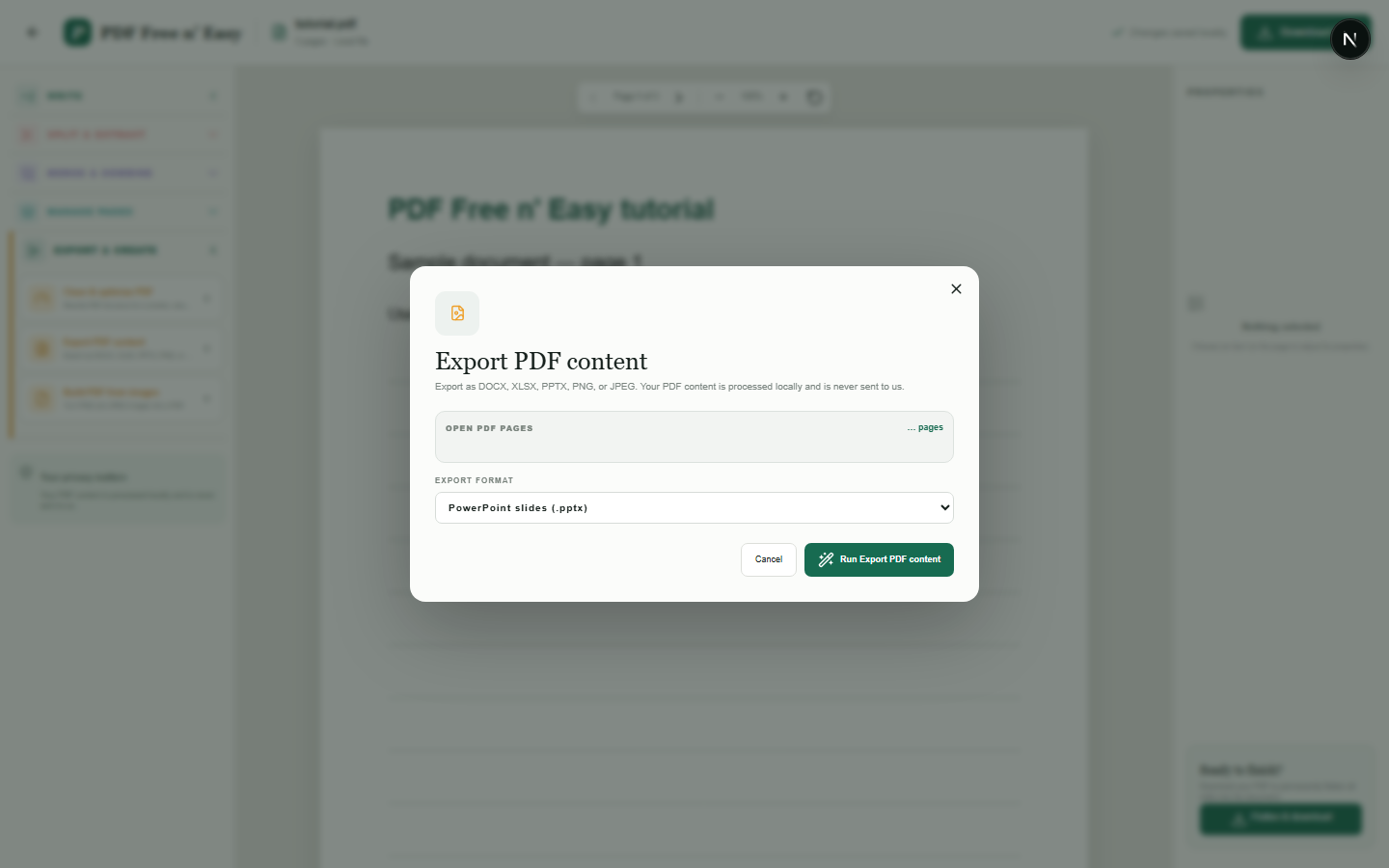
在“导出并创建”下选择 PPTX。
- 3
下载每页一张幻灯片的演示文稿。
WHAT TO KNOW
Clear expectations before you begin
- 幻灯片内容基于图像,而非由可编辑的源对象组成。
- 您的 PDF 内容在您的浏览器中本地处理,绝不会发送给我们。
PRIVACY BY DESIGN
Your document stays yours
The editor reads and processes the PDF using code running in your browser. PDF content is not submitted to an application server for processing or storage.
LOCAL PROCESSING FOR THIS TASK
Build the presentation in your browser
The browser prepares PowerPoint-compatible output. Visual appearance may be preserved without recreating editable slide objects.
- 1SelectChoose a PDF directly from your device.
- 2ProcessThe supported operation runs in this browser tab.
- 3DownloadSave the newly generated result where you choose.
将 PDF 页面导出到 PowerPoint 幻灯片 FAQ
我可以在 PowerPoint 中编辑 PDF 文本吗?
不是以单独的文本框形式呈现。每个页面都会被渲染并作为图像放置在其幻灯片上。
如何放置纵向页面?
它们按比例缩放并居中显示在宽屏幻灯片中。