HOW IT WORKS
在浏览器中私密编辑 PDF
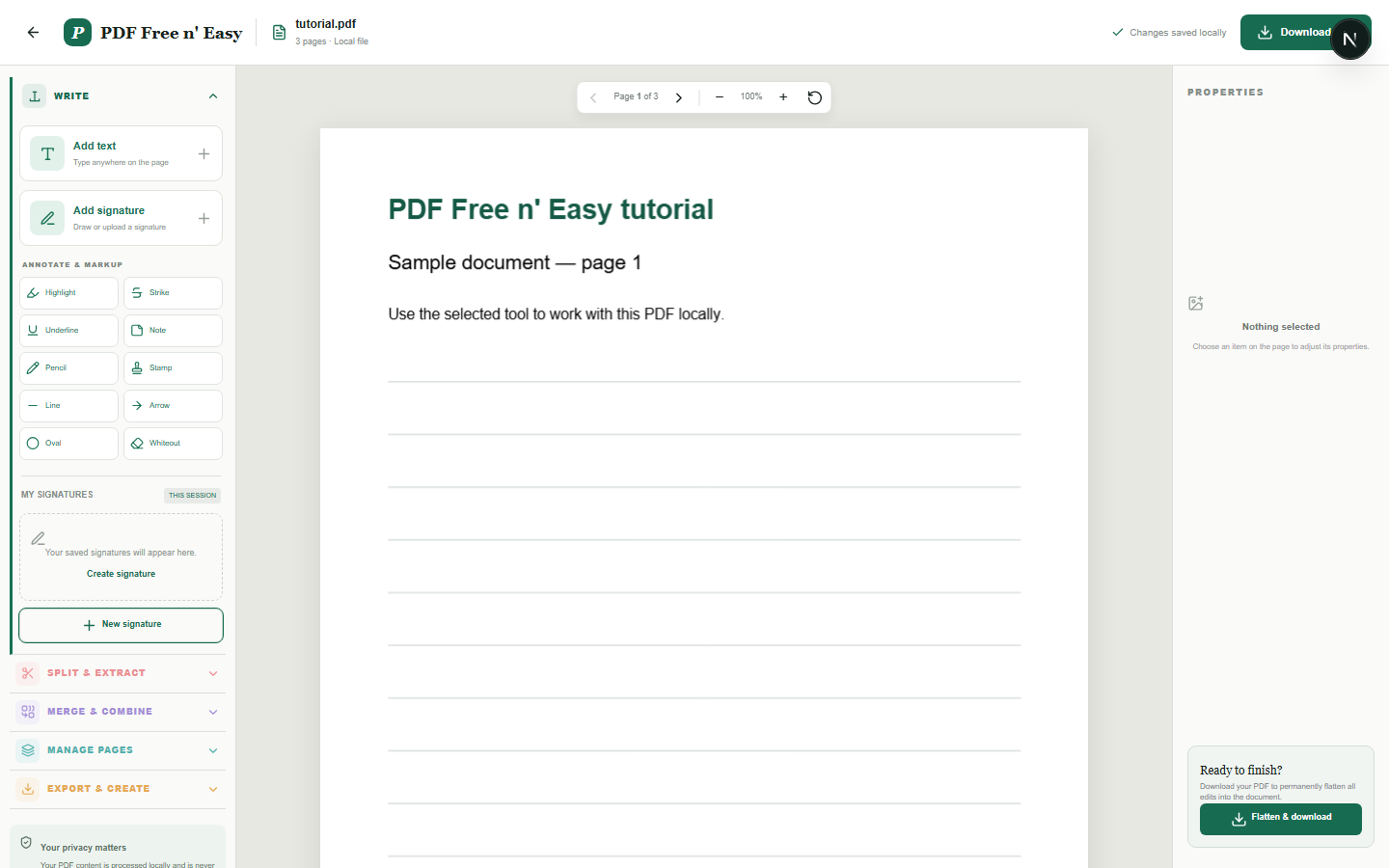
此编辑器会将新内容覆盖在原始 PDF 上,并将这些新增内容合并到下载的副本中。它不会重写 PDF 中已嵌入的现有文本。
Finish the job on your device
- 1
选择存储在您设备上的 PDF 文件。
- 2
添加并定位文本、签名或注释。
- 3
展平更改并下载新的 PDF 文件。
WHAT TO KNOW
Clear expectations before you begin
- 添加注释后,原始 PDF 内容保持不变。
- 您的 PDF 内容在您的浏览器中本地处理,绝不会发送给我们。
PRIVACY BY DESIGN
Your document stays yours
The editor reads and processes the PDF using code running in your browser. PDF content is not submitted to an application server for processing or storage.
LOCAL PROCESSING FOR THIS TASK
Keep the working copy in your browser
Text, signatures and annotations are positioned against the PDF in browser memory. When you finish, your browser creates the flattened copy for download.
- 1SelectChoose a PDF directly from your device.
- 2ProcessThe supported operation runs in this browser tab.
- 3DownloadSave the newly generated result where you choose.
在浏览器中私密编辑 PDF FAQ
我可以修改 PDF 中的现有文字吗?
不是直接的。此工具会在现有页面上添加新的文本和注释。需要覆盖旧内容时,请先使用涂改液。
编辑功能是否会降低 PDF 质量?
原始页面保留为 PDF 页面。添加的元素会绘制到导出的副本中,而不是截取整个文档的屏幕截图。