HOW IT WORKS
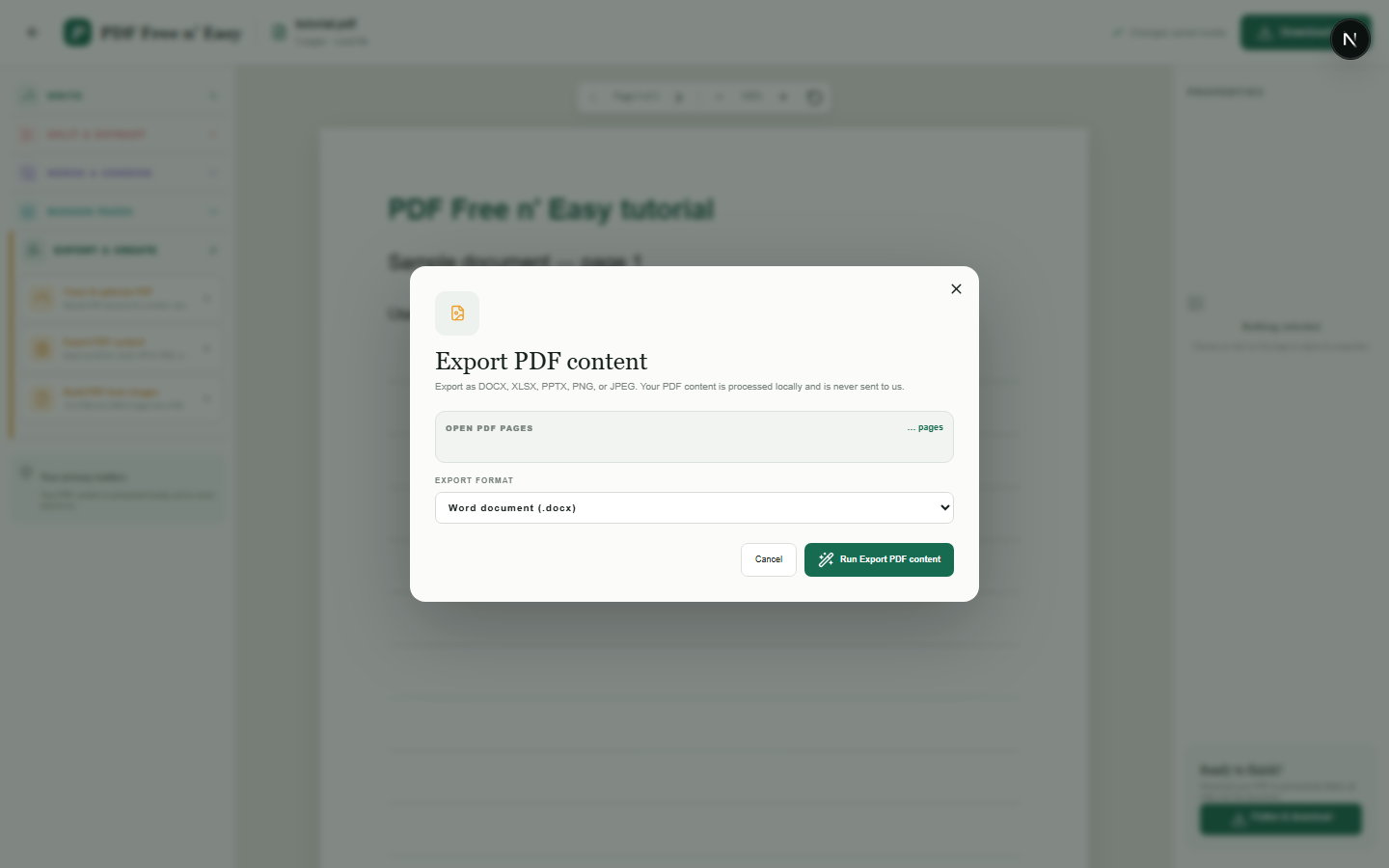
将 PDF 页面导出到 Word 文档
此转换通过将渲染的页面图像放入 Word 中来保留可见的页面布局。它不会将 PDF 文件转换为完全可编辑的 Word 段落、表格或原始字体。
Finish the job on your device
- 1
打开 PDF 文件。
- 2
在“导出并创建”下选择 DOCX 文件。
- 3
下载包含渲染页面的 Word 文档。
WHAT TO KNOW
Clear expectations before you begin
- 输出基于图像,并非完全可编辑的重建版本。
- 可选择的 PDF 文本不会重建为 Word 段落。
- 您的 PDF 内容在您的浏览器中本地处理,绝不会发送给我们。
PRIVACY BY DESIGN
Your document stays yours
The editor reads and processes the PDF using code running in your browser. PDF content is not submitted to an application server for processing or storage.
LOCAL PROCESSING FOR THIS TASK
Create a Word-compatible result locally
HandyGrid reads the PDF in your browser and prepares the documented export without submitting the source file to an application server.
- 1SelectChoose a PDF directly from your device.
- 2ProcessThe supported operation runs in this browser tab.
- 3DownloadSave the newly generated result where you choose.
将 PDF 页面导出到 Word 文档 FAQ
我可以在 Word 中编辑每个句子吗?
否。为优先保证视觉保真度,每页均以图像形式插入。目前不提供原生可编辑文本转换功能。
DOCX 文件是否保留页面外观?
它旨在保持每个页面的可见外观,但会受到正常渲染差异的影响。